AI features
AI story cards: characters that answer players live
Let characters answer players live with an AI dialogue card, or hand a whole episode to the AI director. How to set it up, end it well and keep it safe.
AI story cards: characters that answer players live
Ordinary cards play what you wrote. AI story cards are performed live, while the player plays.
Two ways to use it
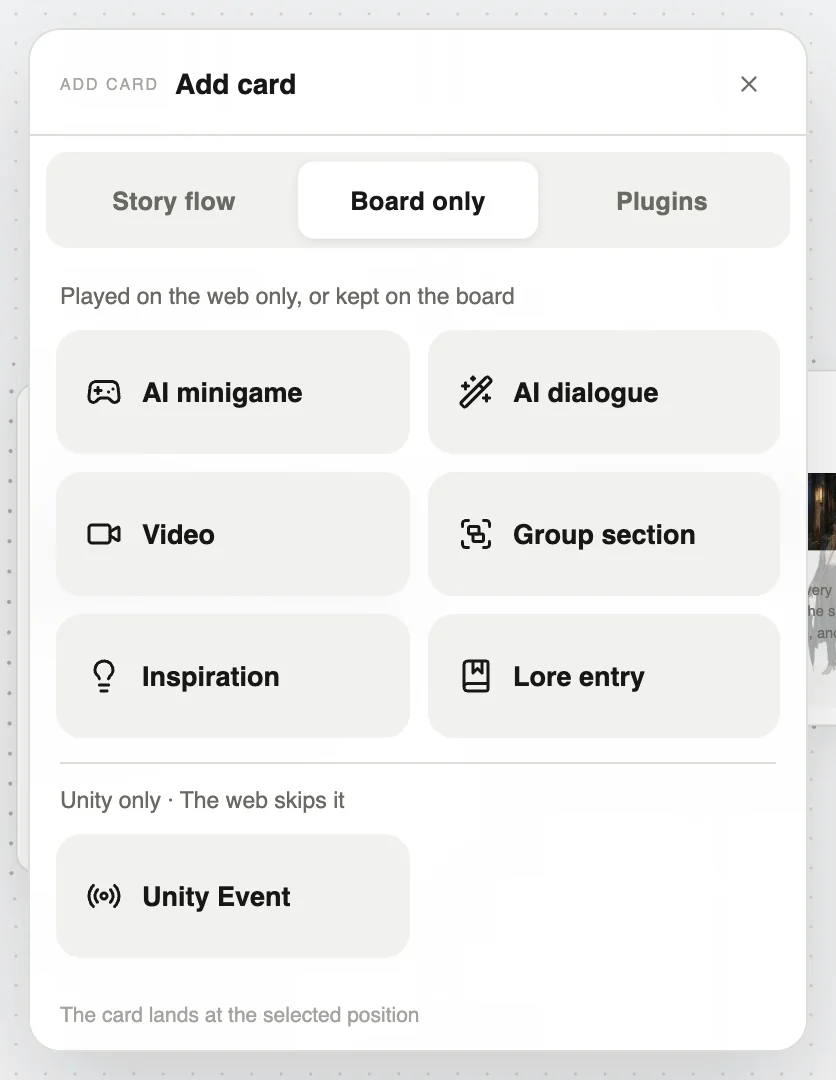
- AI dialogue card: Add card → Board only → AI dialogue. The AI director plays a scene from your brief, then hands back to your story.
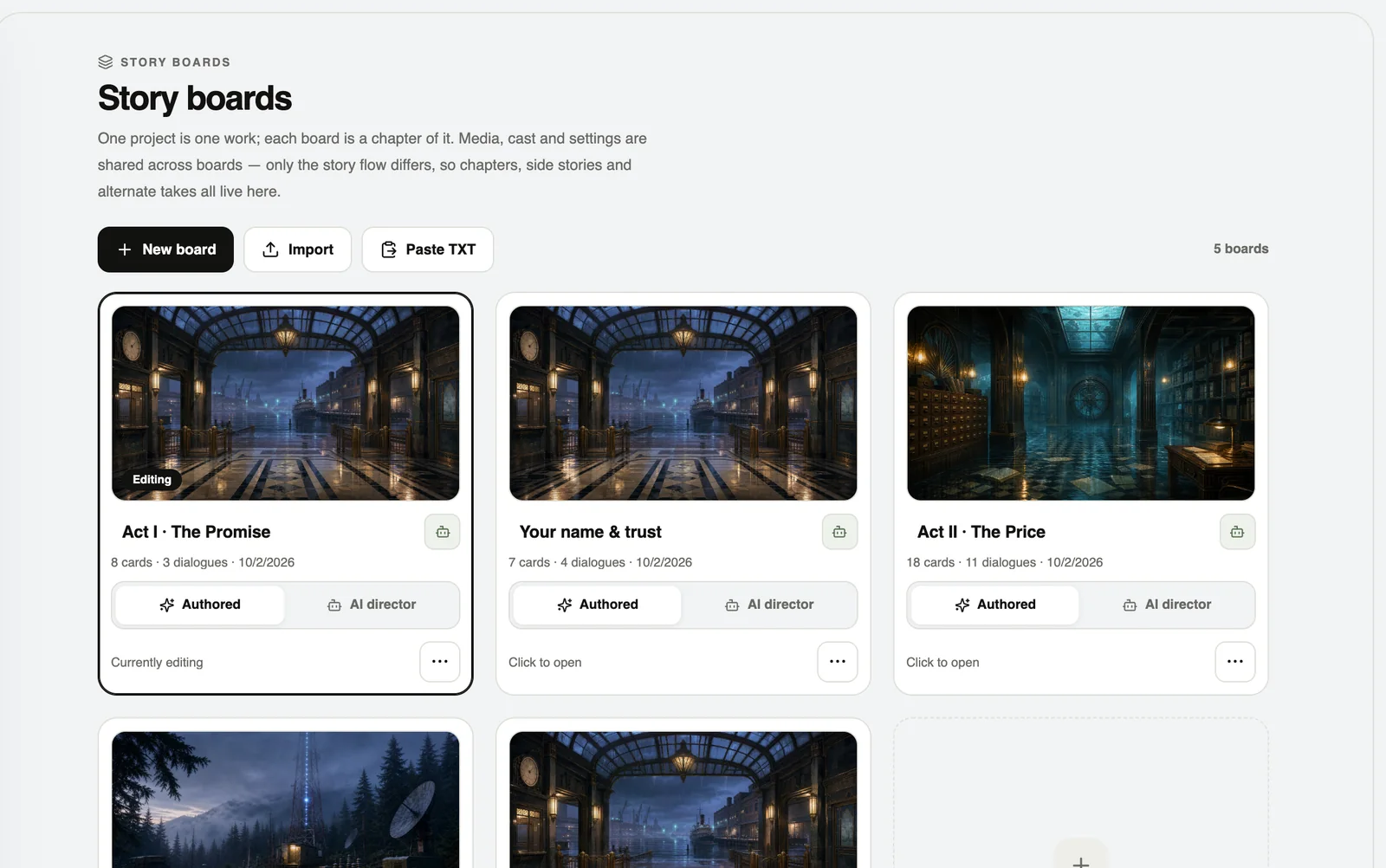
- AI mode board: in Manage boards, switch an episode to “AI mode” and the AI director improvises the whole episode.
Set up an AI dialogue card
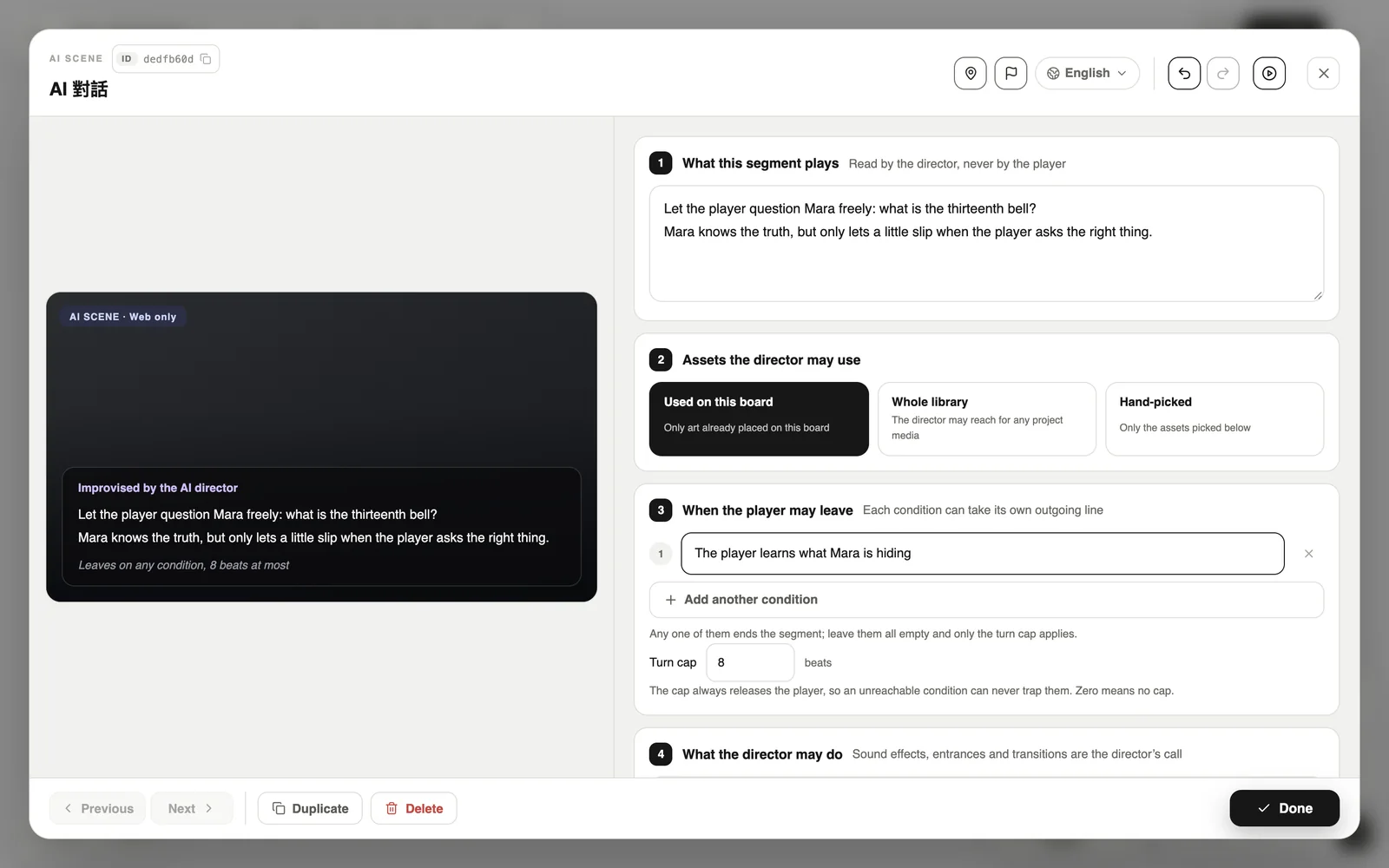
- What this segment plays: state the goal, for example “let the player question Mara about the bell”. Only the director reads this.
- Assets the director may use: this board only, the whole library, or ones you pick.
- When the player may leave: write a few exit conditions. Each can take its own line to a different next card.
- Turn cap: the most beats it may play, so players can always get out.
A whole episode in AI mode
Rules of thumb
- Write the main plot, must-have clues and endings on ordinary cards.
- Let AI handle variety: small talk, follow-up questions, different reactions on a replay.
- Spell out the secrets a character must not reveal and what must never appear.
- Playtest several times to check the character stays in role.
AI scenes use Pinecoins while people play, paid by the author. An AI dialogue card uses 2 per beat.