Story board
Choices, conditions and variables: a story that remembers
Use player input, variables and line conditions so the story remembers names and choices and leads to different endings.
Choices, conditions and variables: a story that remembers
Variables are your story’s memory. For example: the player’s name, an affection score, or which choices they made.
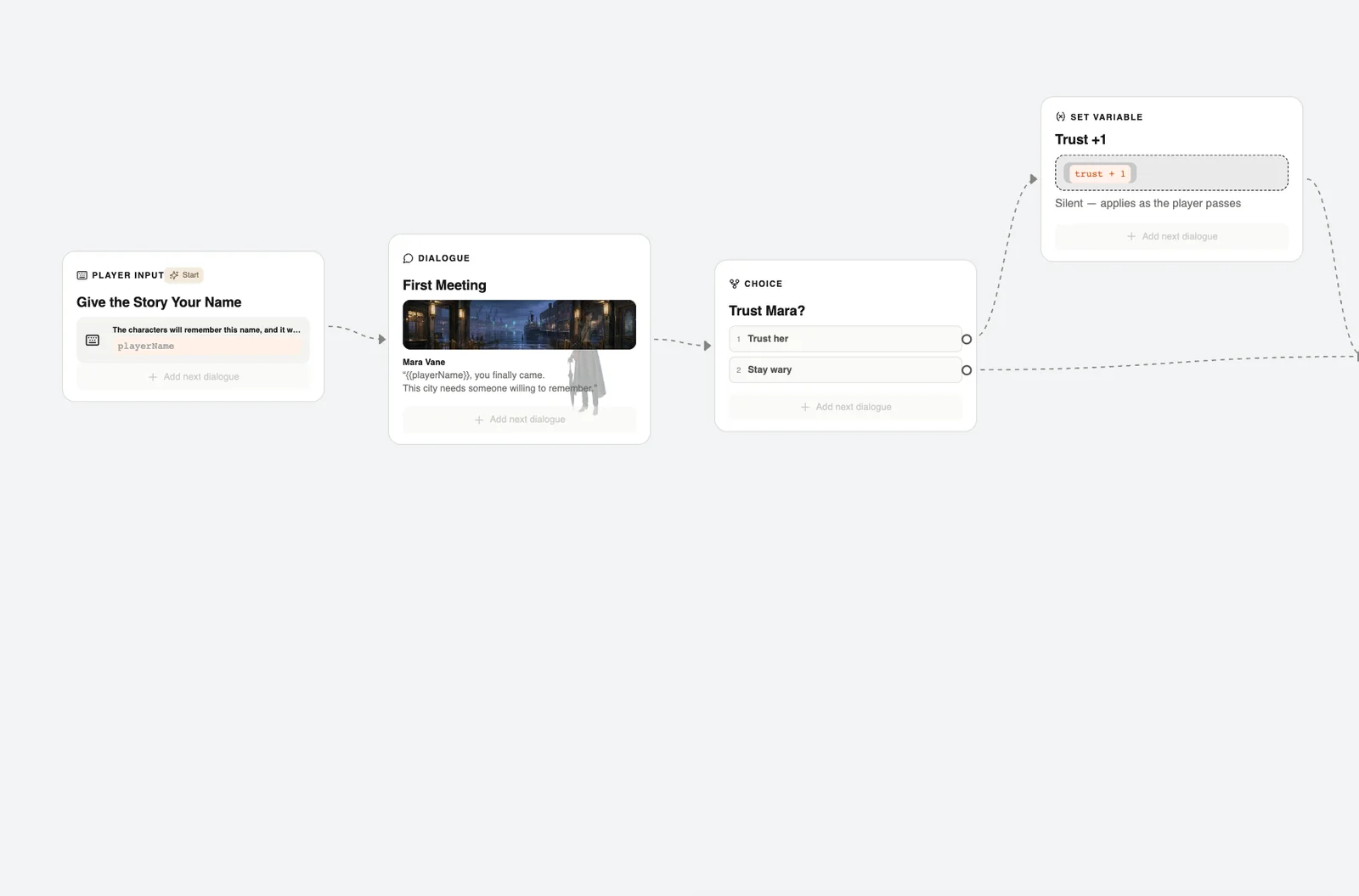
1. Create a variable
Press Player variables (the key icon) in the toolbar at the bottom. Press “Add variable” and fill in the label, name, type and default value.
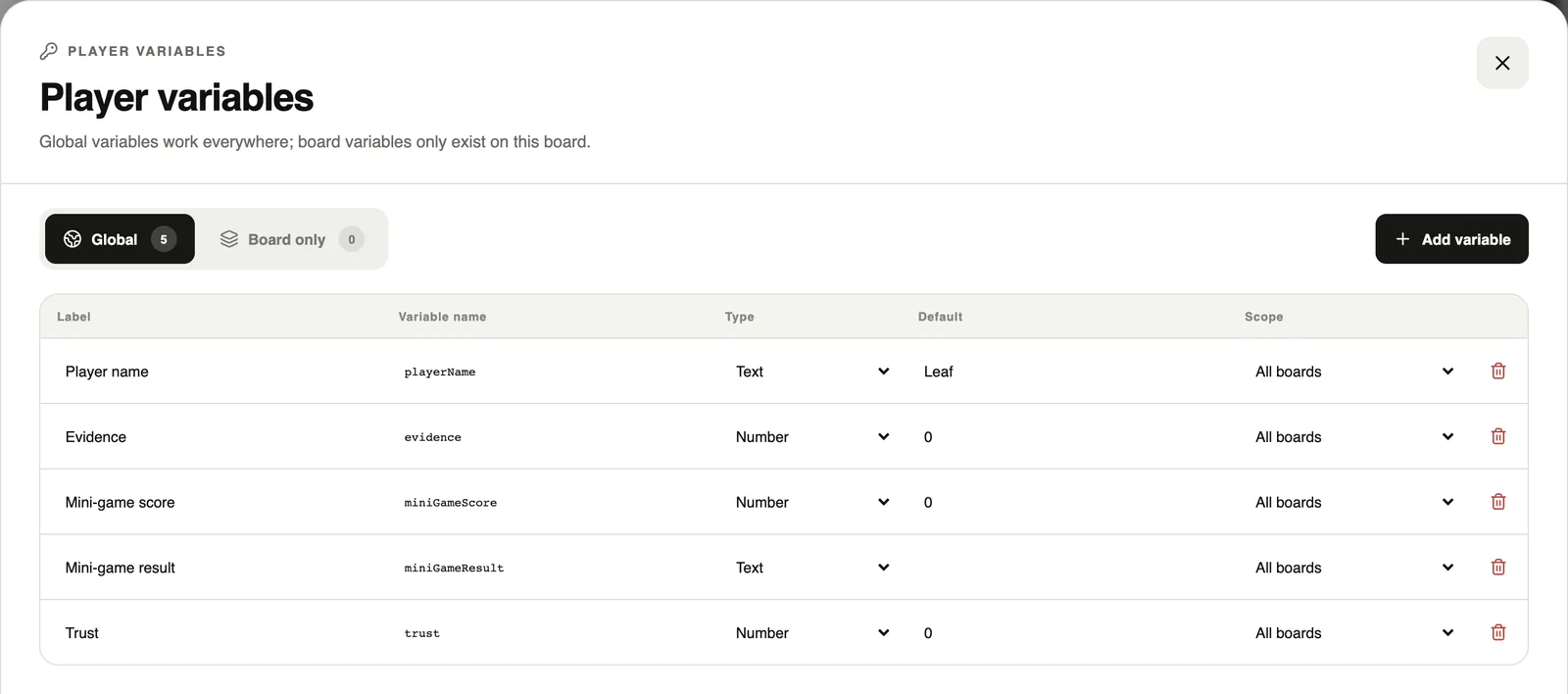
Global variables work everywhere in the project. Board only variables exist on the current board alone.
2. Let the player type
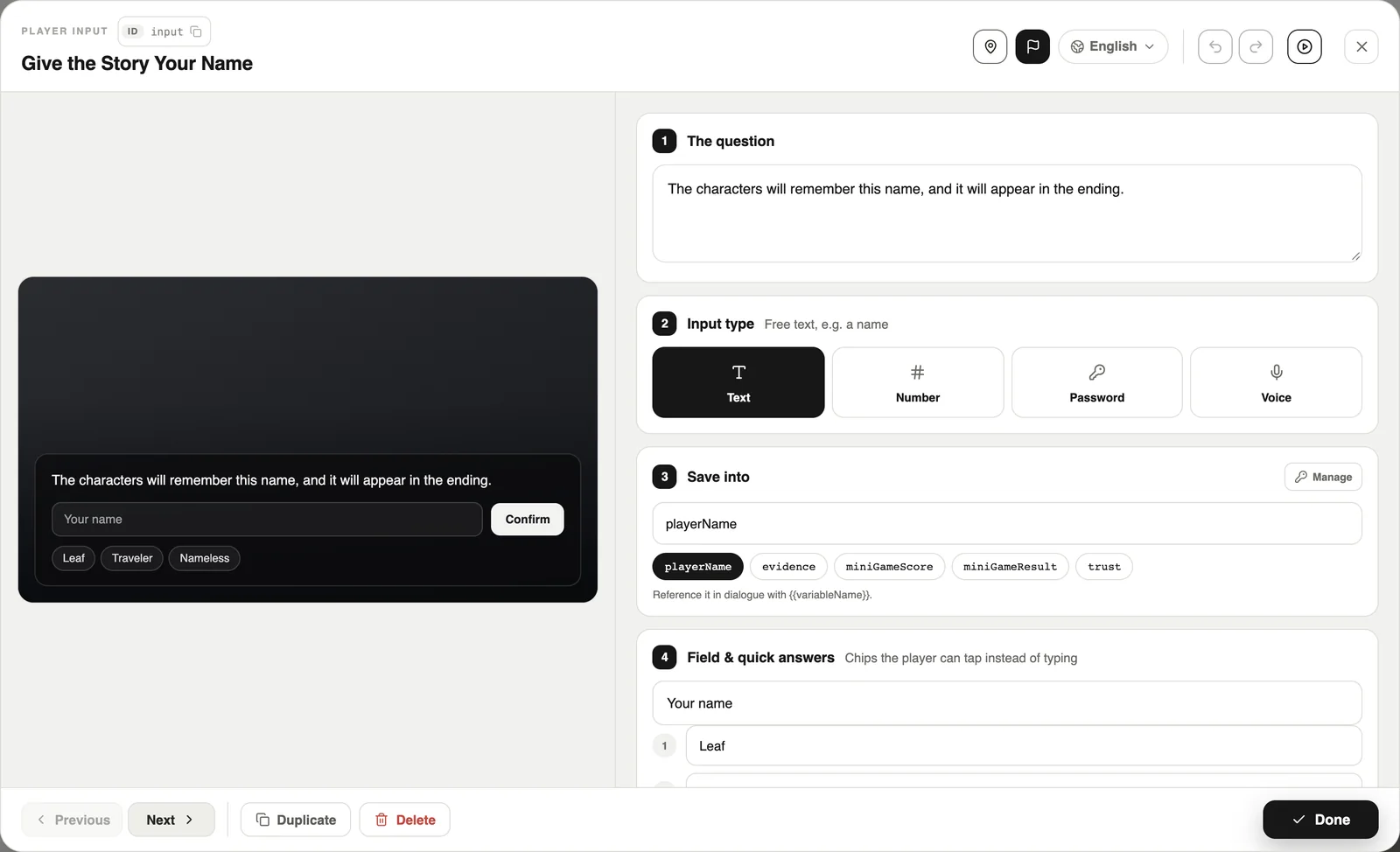
A Player input card asks the player to type, and saves the answer into a variable. Write {{playerName}} in a line and it becomes the player’s name when the game plays.

3. Change a variable
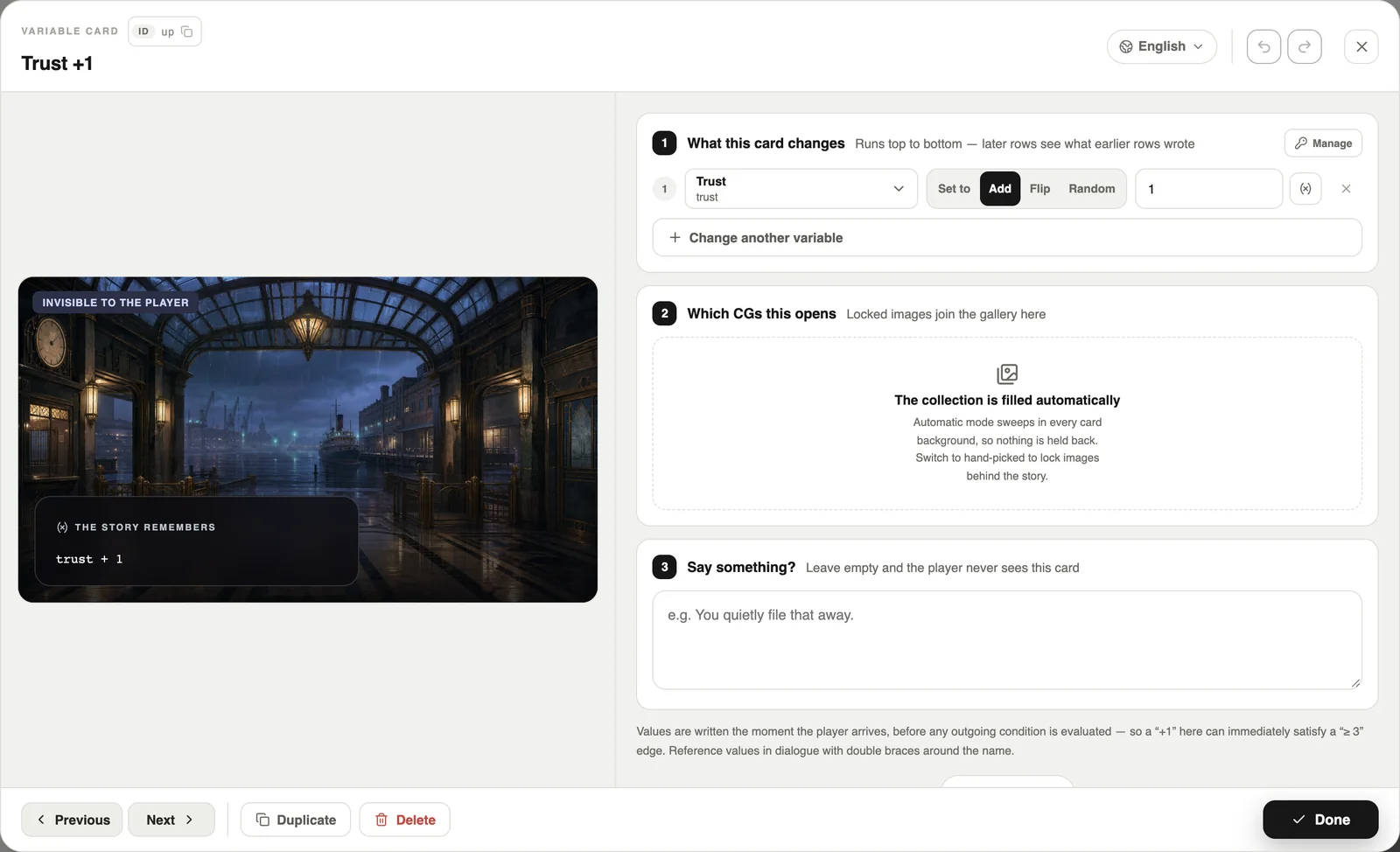
A Set variable card can set, add, flip or randomise a value. Players never see this card — it just applies as they pass.
4. Let a condition pick the line
- Click a line to open its actions.
- Under “When to take this line”, choose Variable.
- Set the condition, for example Trust ≥ 1.
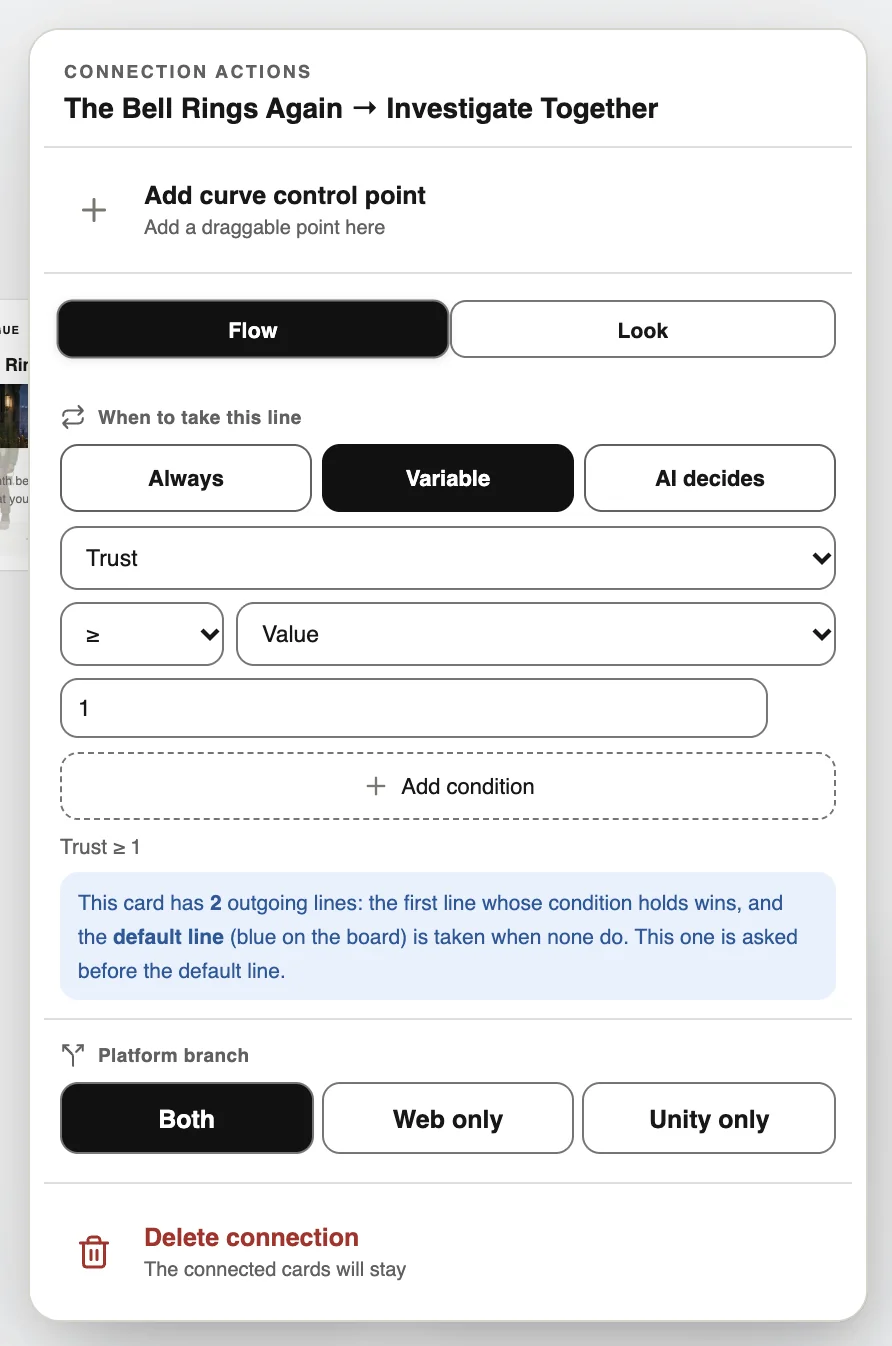
When a card has several lines going out, lines whose condition holds go first. If none holds, the line without a condition is taken (the blue “default” line on the board).
Options can have conditions too
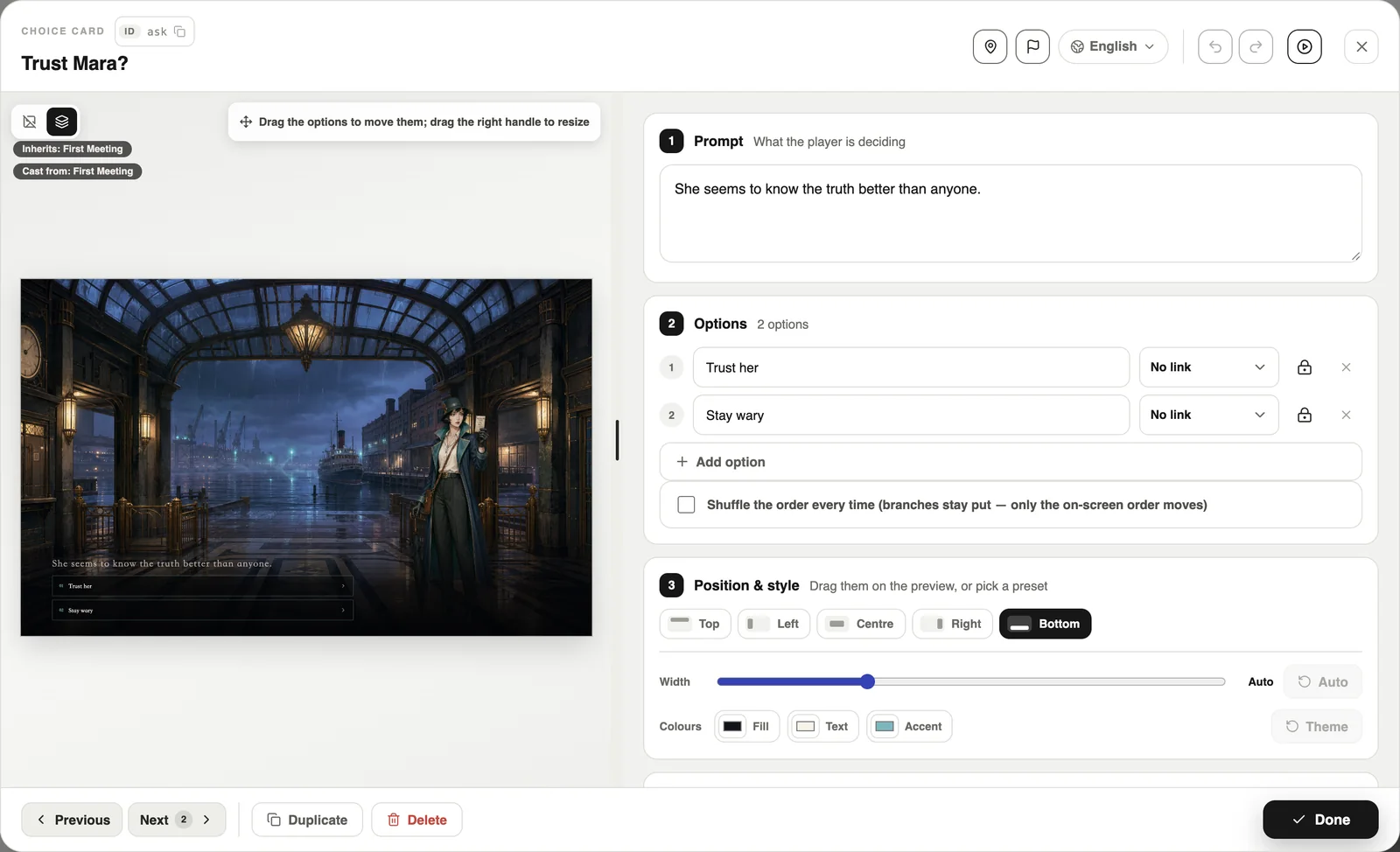
On a choice card, turn on the condition for an option. If it does not hold, the option stays visible but cannot be picked.
Set variables on card entry
Dialogue and scene cards also have “Set variables on card entry” under Advanced. The card records the change as it plays — no extra card needed.