AI features
AI creative tools: images, voice, translation and mini-games
Where Larch’s AI tools are, what they do and what they cost: images, expressions, background removal, voice, translation, script import and AI mini-games.
AI creative tools: images, voice, translation and mini-games
Larch puts AI right where you need it. No switching tools — use it on the screen you are already on.
What AI can do for you
- Portraits, backgrounds and props: “Generate” in the Character studio and the media library. (Pro)
- Expressions: paint new expressions from one portrait, background removed for you. (Pro)
- Background removal: one click in the Character studio.
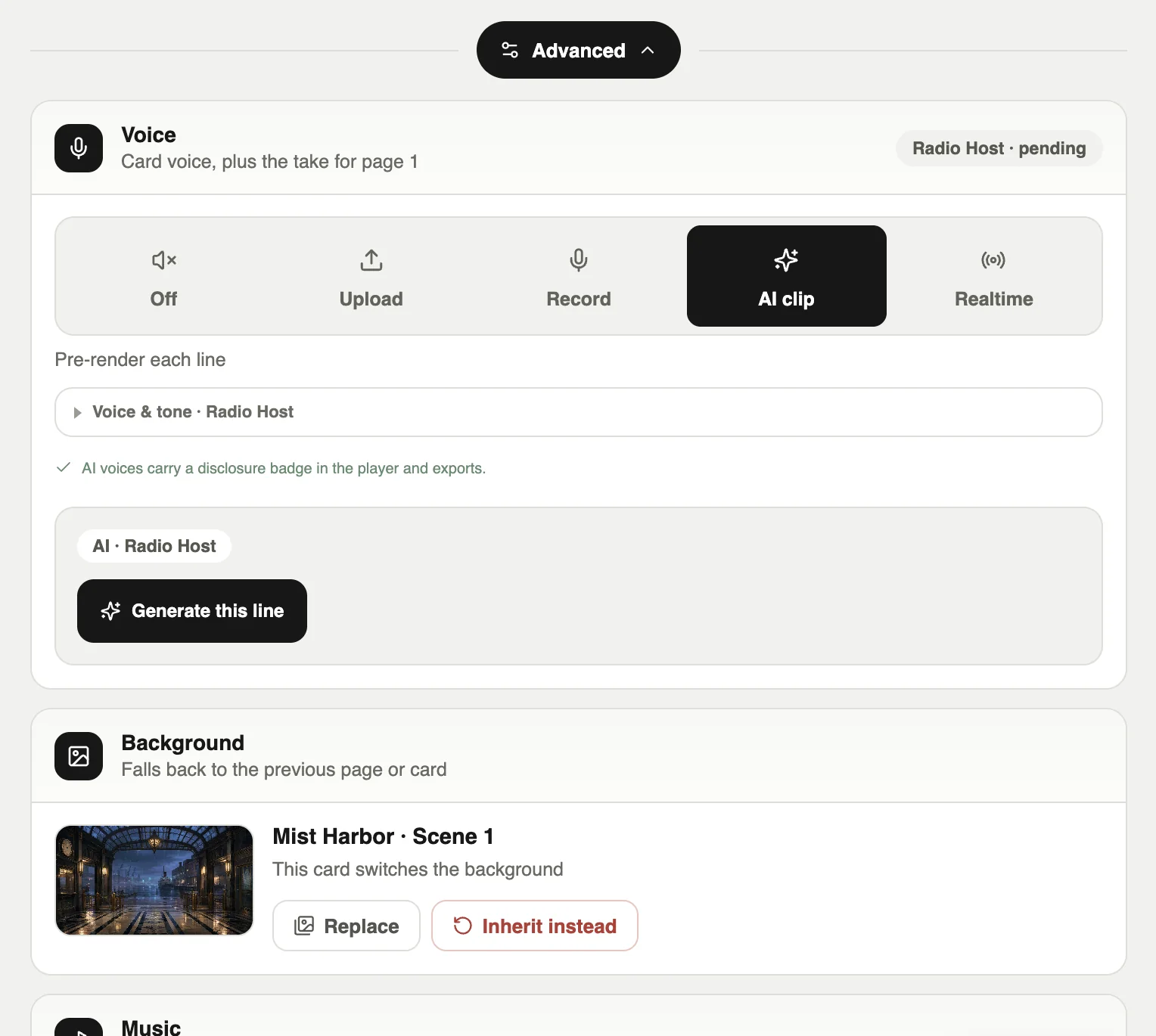
- AI voice: “Speak with AI” and “AI clip” on dialogue cards.
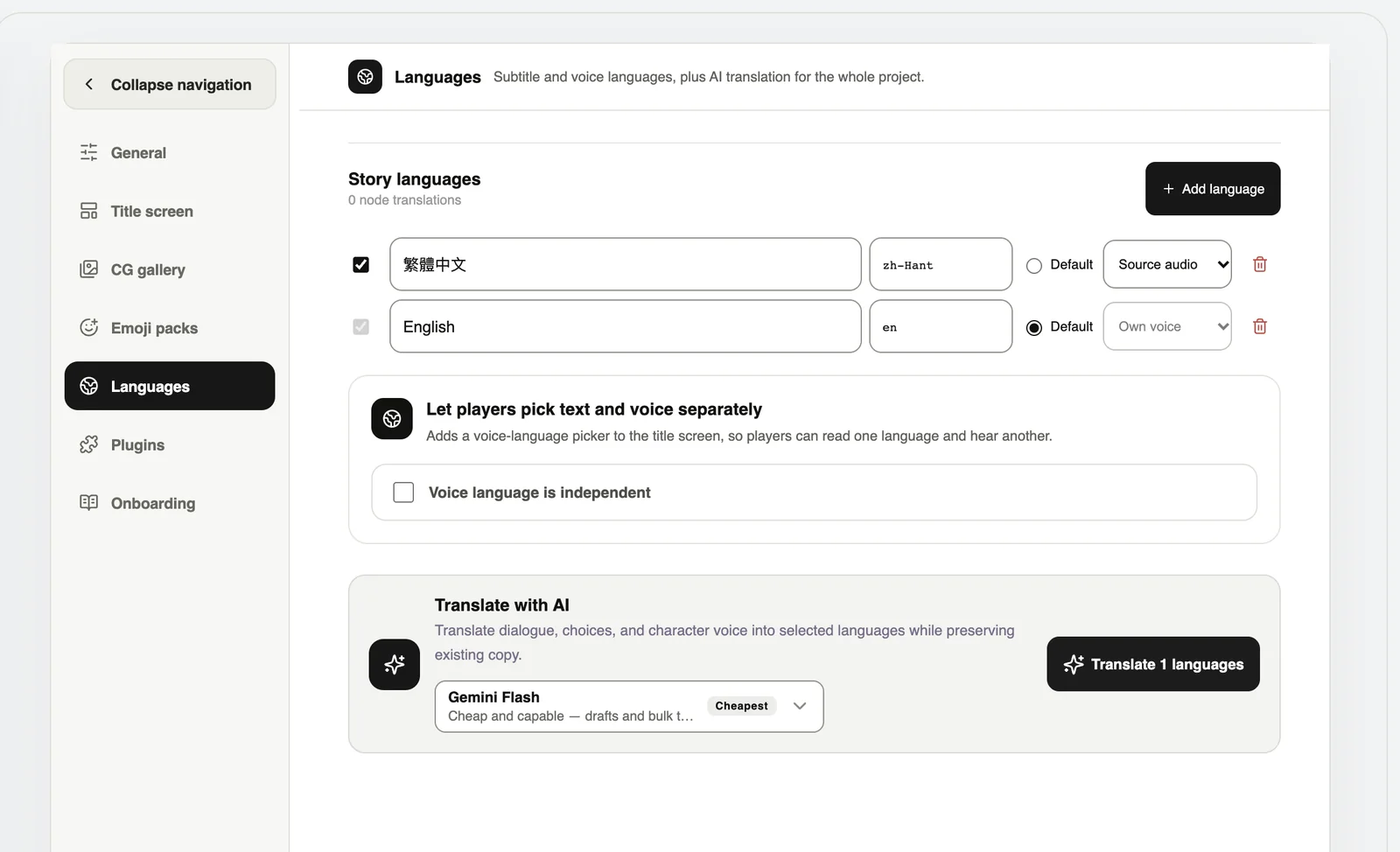
- Translation: Project settings → Languages → translate with AI; the board language menu can batch-translate too.
- Script import: Manage boards → Paste TXT, and AI turns it into cards.
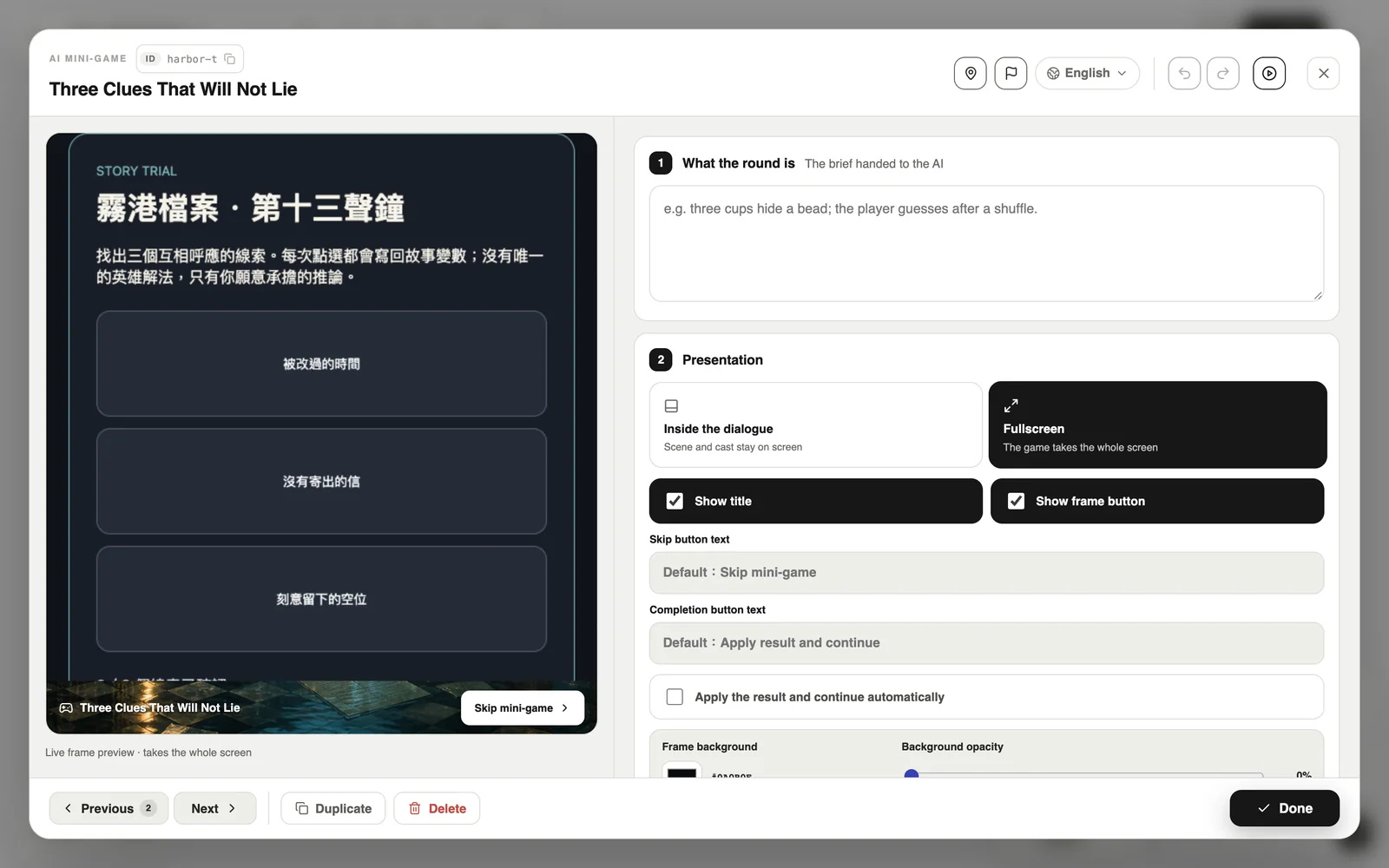
- AI minigames: describe the gameplay and AI builds a playable mini-game card.
- AI video: “Generate video” in the media library.
What does it cost?
AI uses Pinecoins. The Free plan gets 20 a month. Pro gets 60 a month — and on Pro, everything except video is free.
- Image: 2–5 (8 in high quality)
- Background removal: 2
- Voice: 1 per 700 characters
- Translation: 1 per 20 cards
- Script import: 1 per 12,000 characters (minimum 2)
- AI minigame: 4
- AI video: 20 per 5 seconds (charged on Pro too)
If a generation fails, your Pinecoins come back.
AI inside your game
AI can also perform inside the game itself. See “AI story cards: AI dialogue and the AI director”.
AI disclosure
When you publish content made with AI, Larch asks you to disclose it. AI voices are labelled in the player and in exported games.