Plugins
The inventory system: pick up, open the bag, change the story
Let players pick up items, open their bag, unlock a door with a key or win a friend with a gift — all with cards, no code.
The inventory system: pick up, open the bag, change the story
The inventory system lets players carry items through your story. A key that opens a door, a gift that wins a friend, the right thing in the right place — all without code.
1. Add the inventory system
First import the Inventory system into your project (see “Plugins: install, use and manage”). It adds four variables: the bag’s contents, the last item used, the item count, and the bag button state.
2. Give the player an item
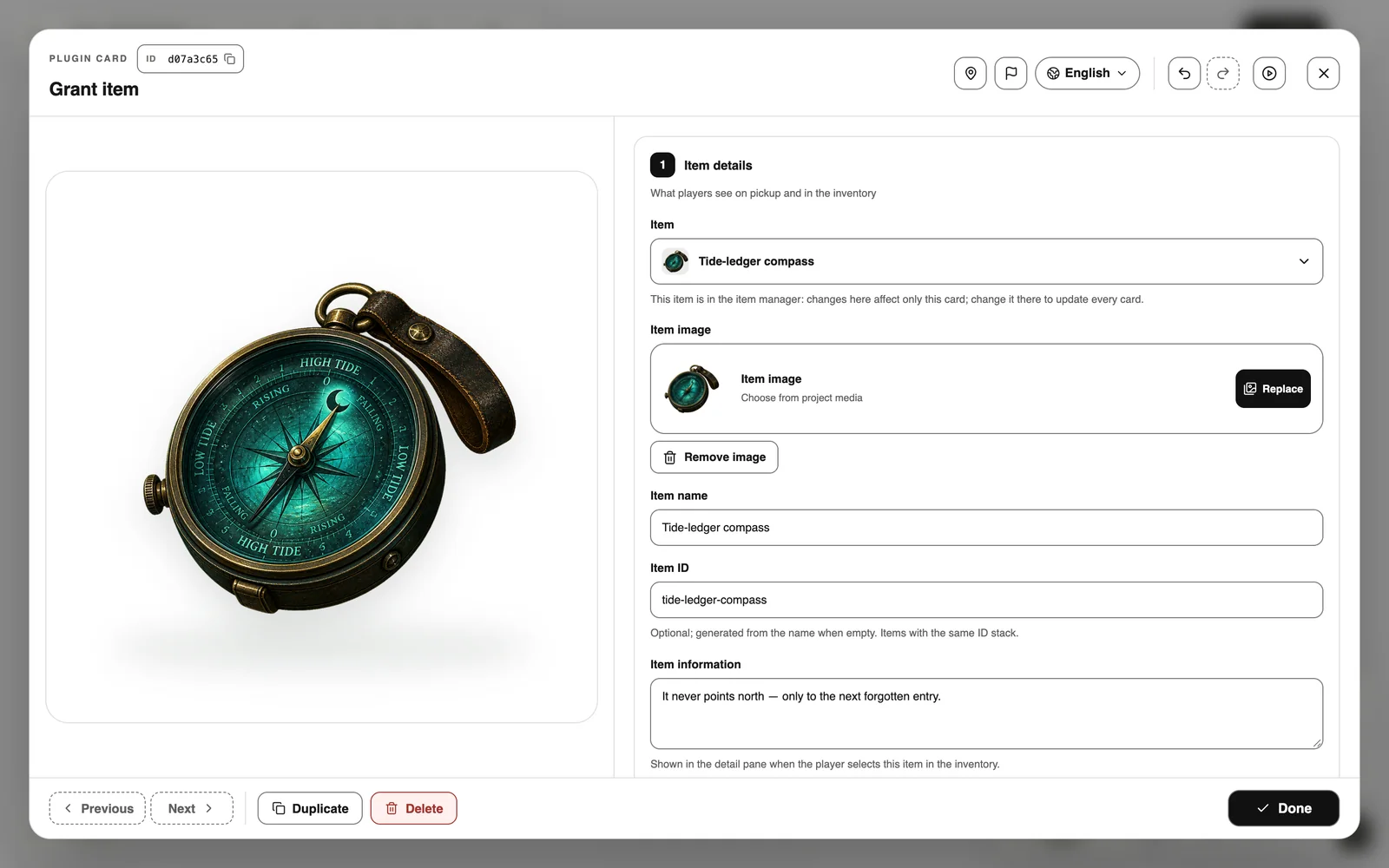
Double-click the board → Plugins → Grant item, then fill it in from top to bottom:
- Item details: pick an existing item from the Item menu (for example one from the item manager), or choose New item and add a picture, name and description.
- Into the bag: how many.
- Use condition (optional): for example, only in a certain place.
- After use: use one up, change a variable, or jump to a story card.
- Pick-up: players click to collect, or it goes straight into the bag.
3. Let players choose an item
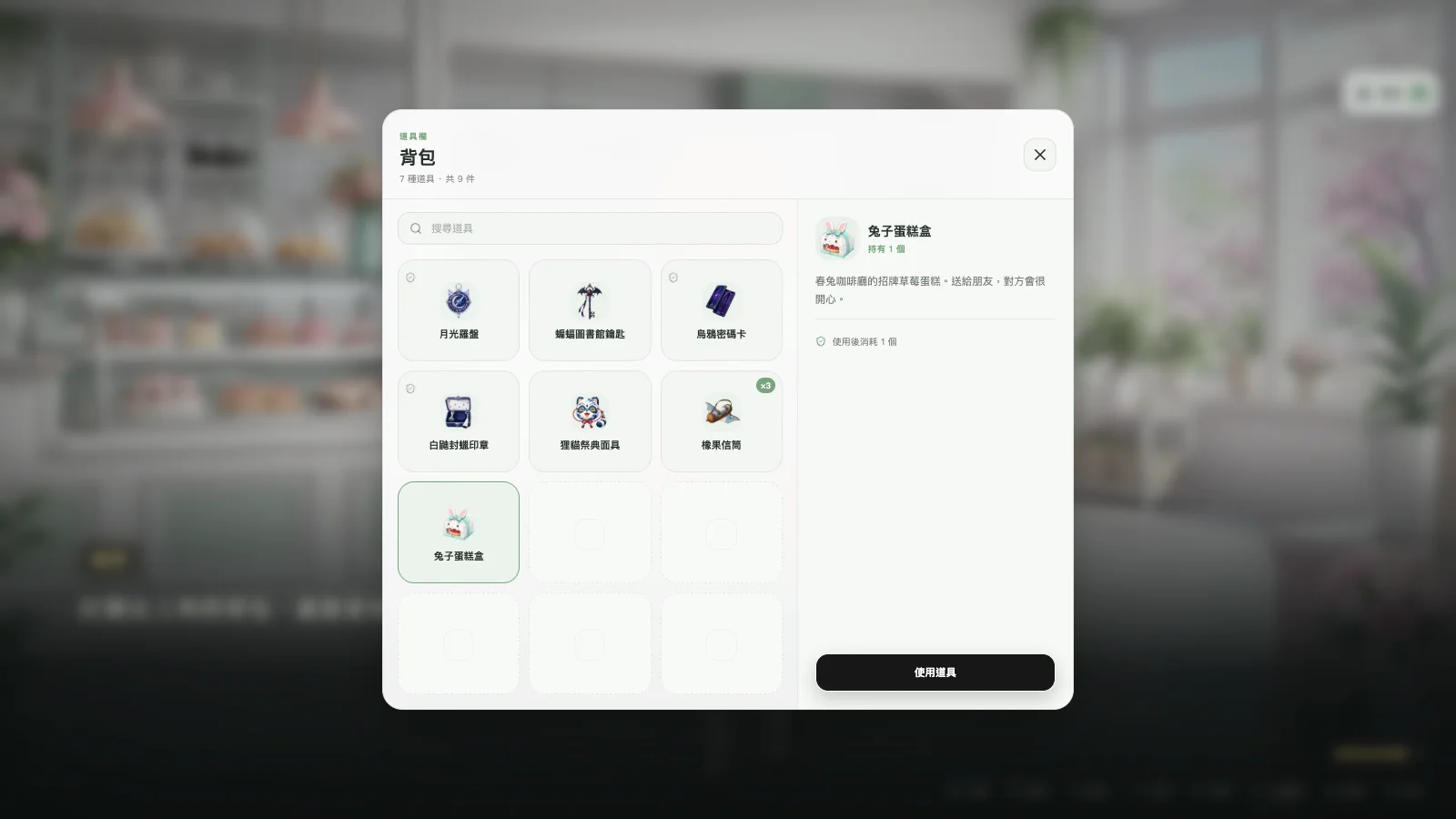
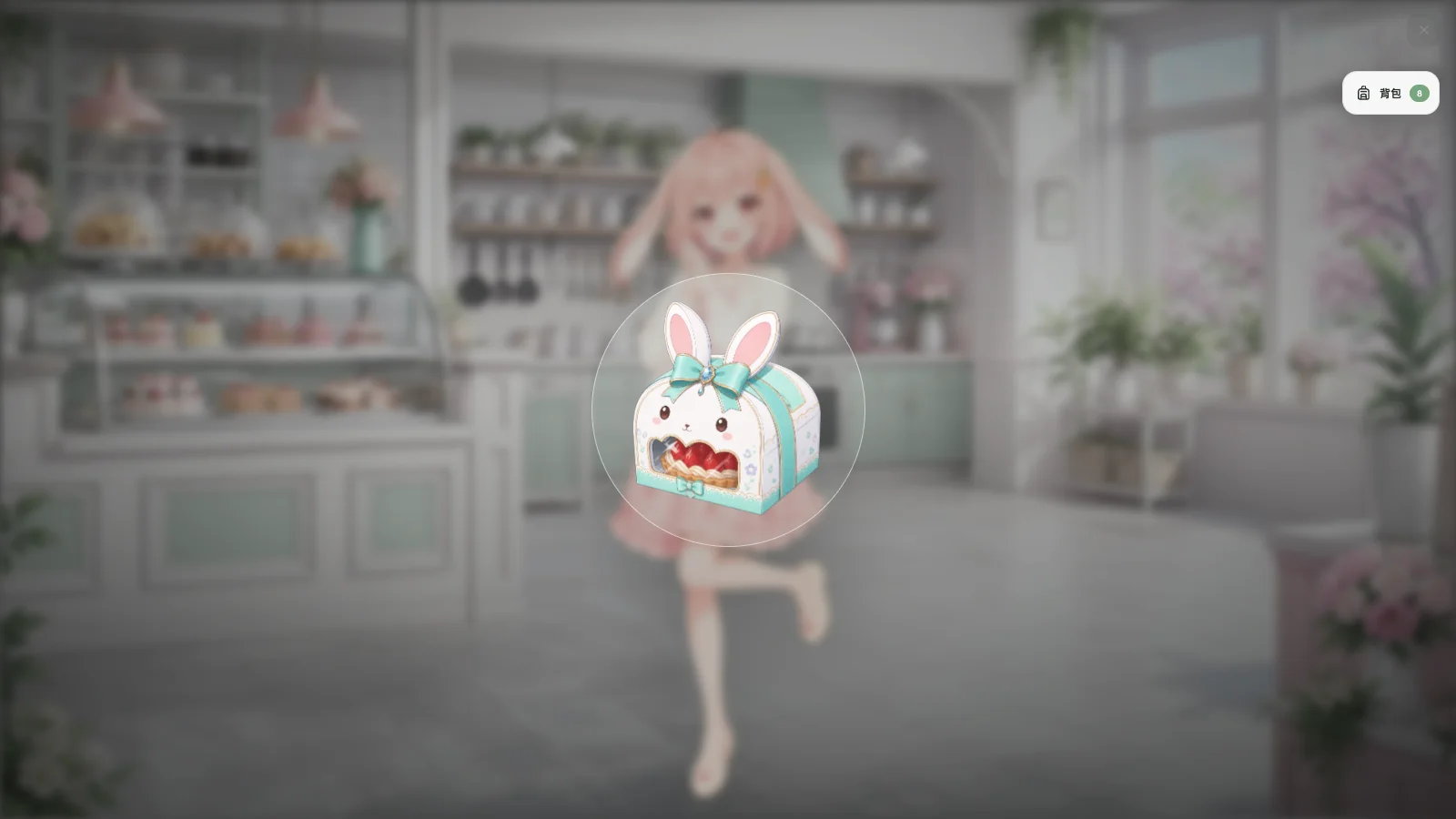
A bag button sits in a corner of the screen, so players can open it any time. An Open bag card asks players to pick an item mid-story, and the story branches on their pick.
4. Branch on items
- Lines: click a line → when to take it → Inventory → has / does not have.
- Options: require a condition → inventory item.
- Remove item card: hand an item over or use it up.
Item manager and inventory settings
Double-click the board → Plugins. The inventory section also has two buttons:
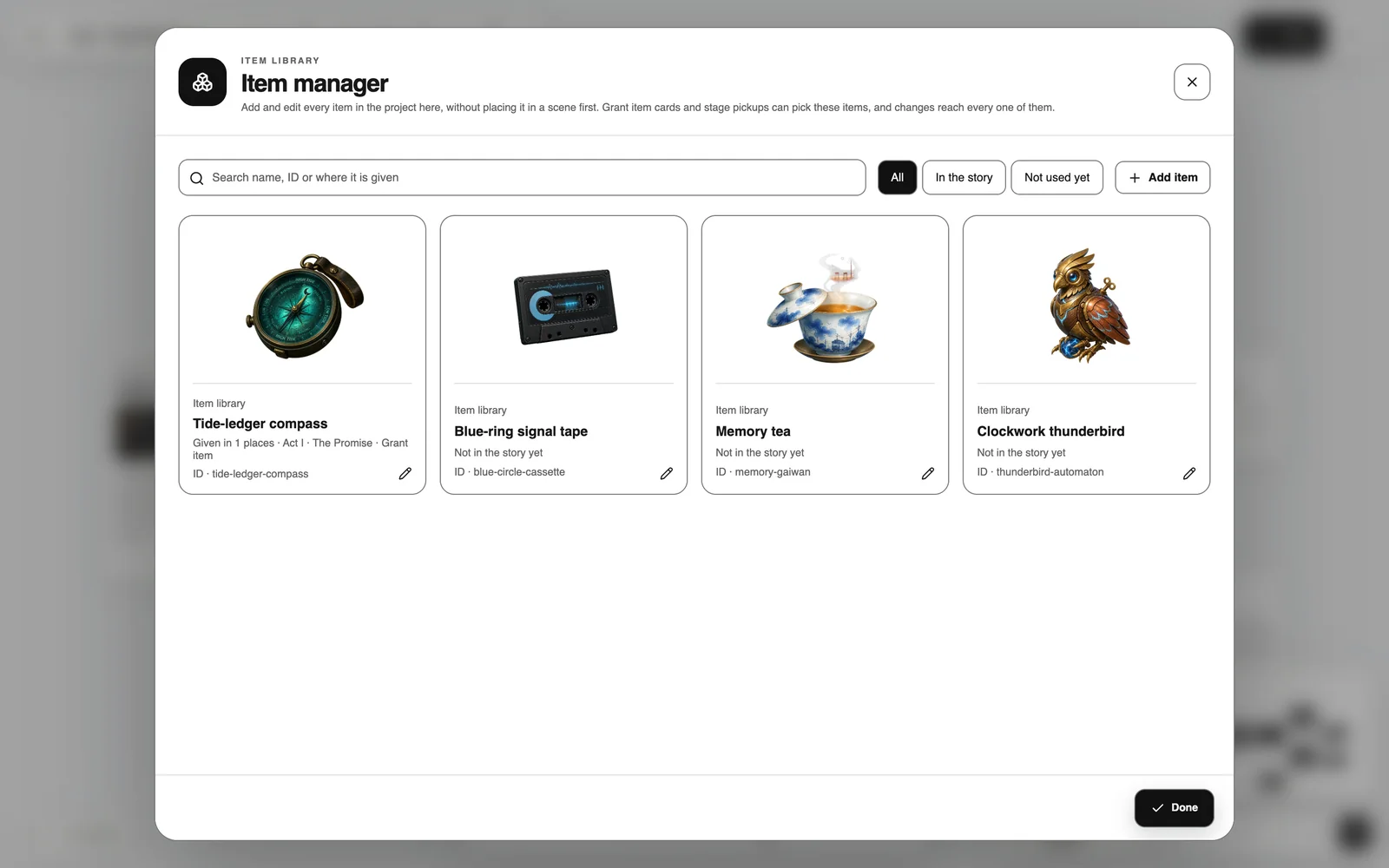
- Item manager: every item in the project, ready to add or edit. Change an item once and every card that gives it updates too.
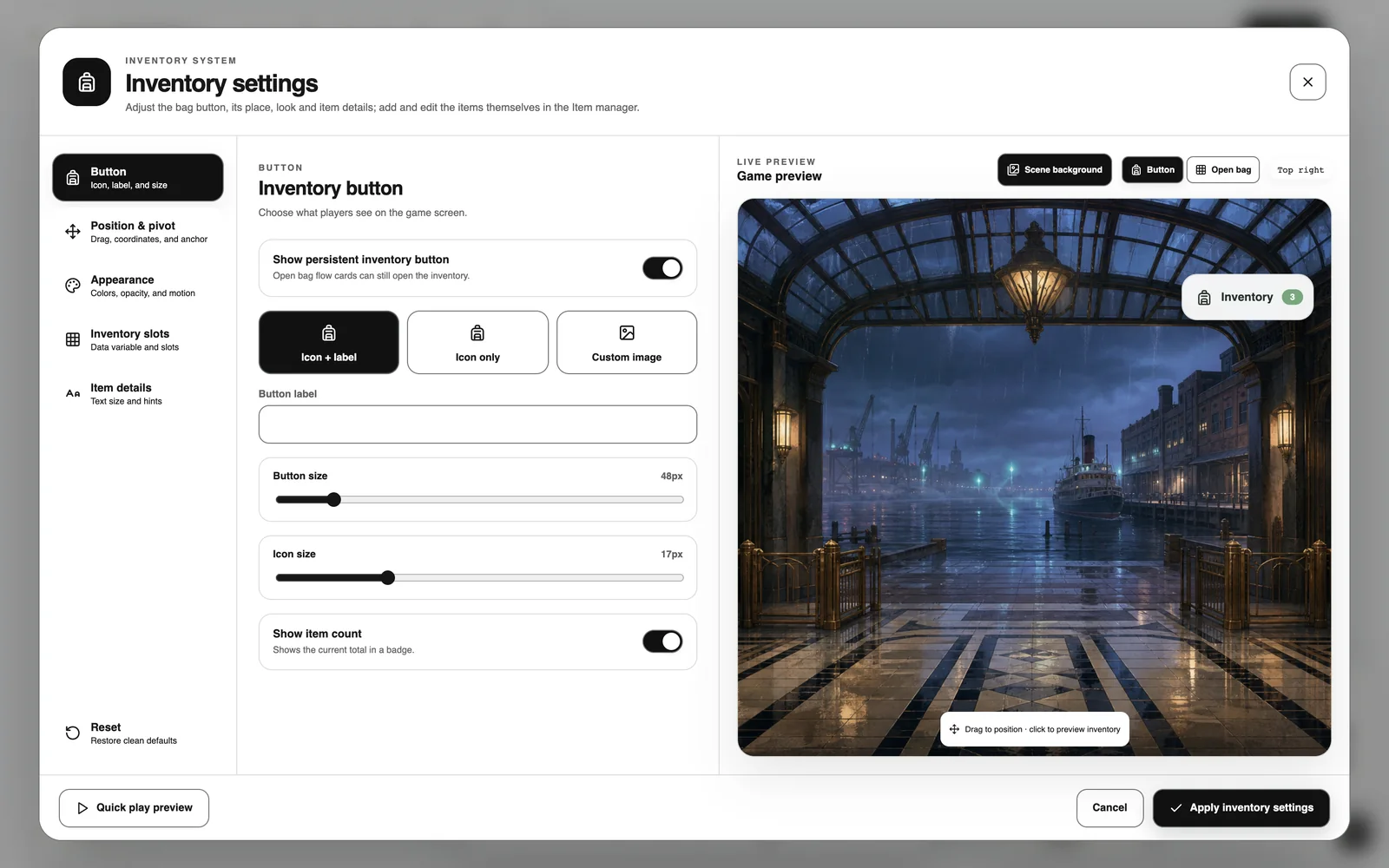
- Inventory settings: the button’s place, the look, slots, the item used as money and the item text size, with a live preview.
It works in RPGs too
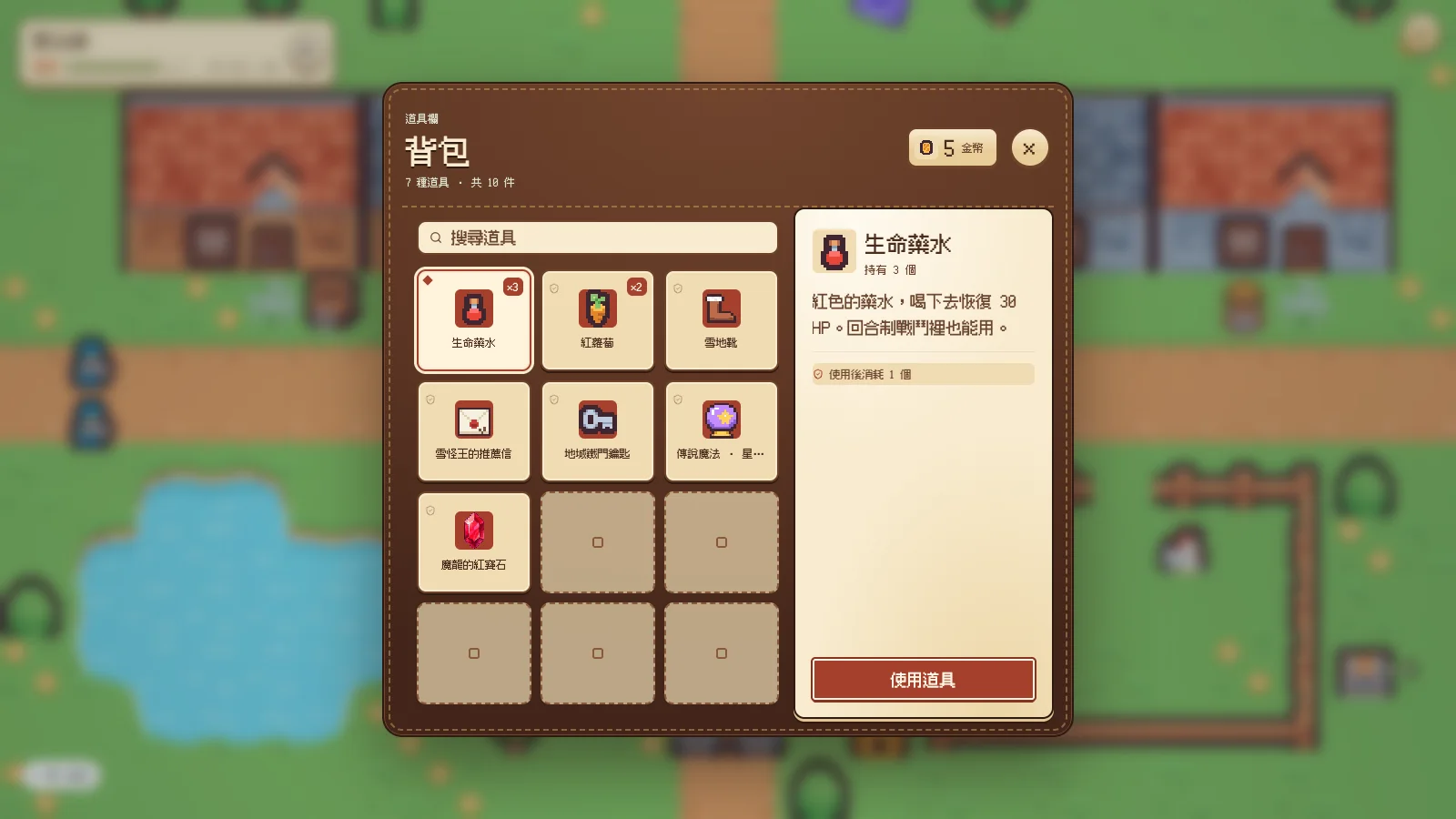
In the RPG system the bag takes on a pixel style. Story cards and RPG maps share one bag, so items travel with the player.
Want a full example? On the Inventory system store page, press Remix sample game to open it and see how it is made.