RPG system
RPG: battles, quests, the database and multiplayer
Turn-based and action battles, quests, the map check, weather and lights, the RPG database, and multiplayer with friends.
RPG: battles, quests, the database and multiplayer
What events can do
An event is something that happens on the map. It is a list of steps that run from top to bottom.
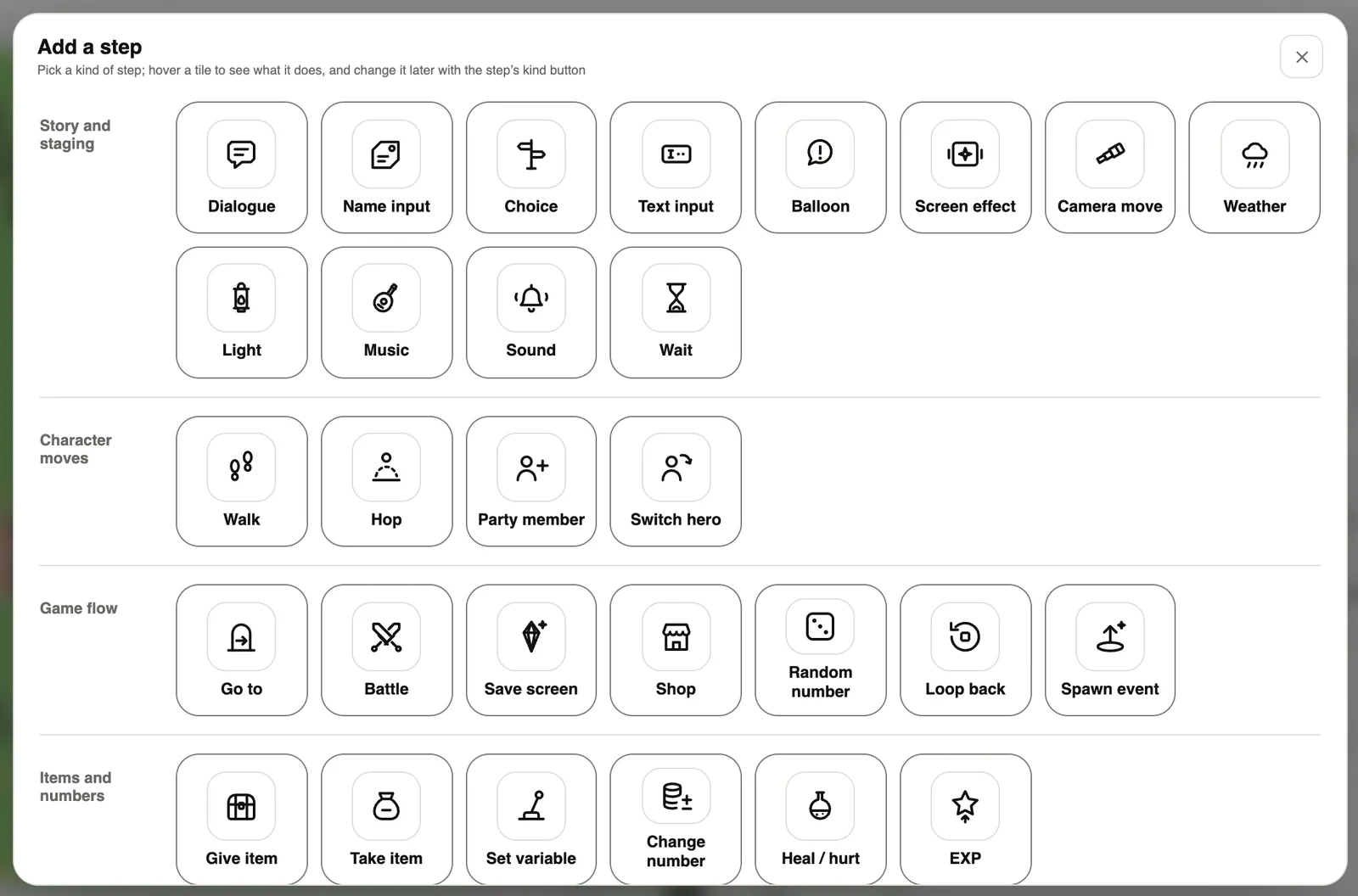
- Story & staging: dialogue, naming, choices (a list or a wheel), balloons, screen effects, camera, weather, lights, music.
- Character moves: walk, jump, join the party, switch hero.
- Game flow: go to (teleport), battle, shop, save screen, random numbers.
- Items & numbers: give / take items, set variables, heal or hurt, experience.
Battles
Add a Turn-based battle card and set the monsters, rewards and lines during the fight. Add a “Battle” step to an event, and the fight starts when the player triggers it.
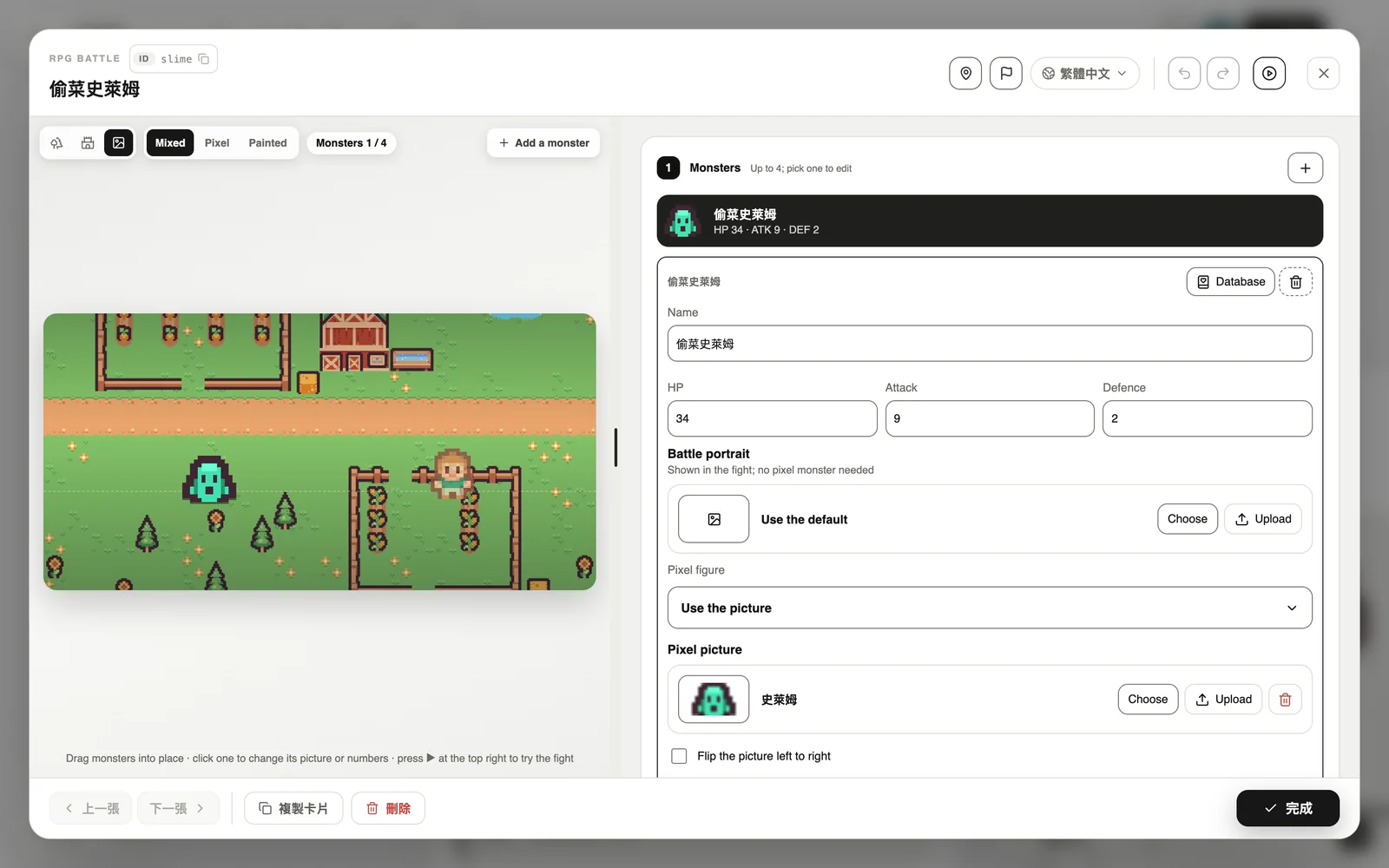
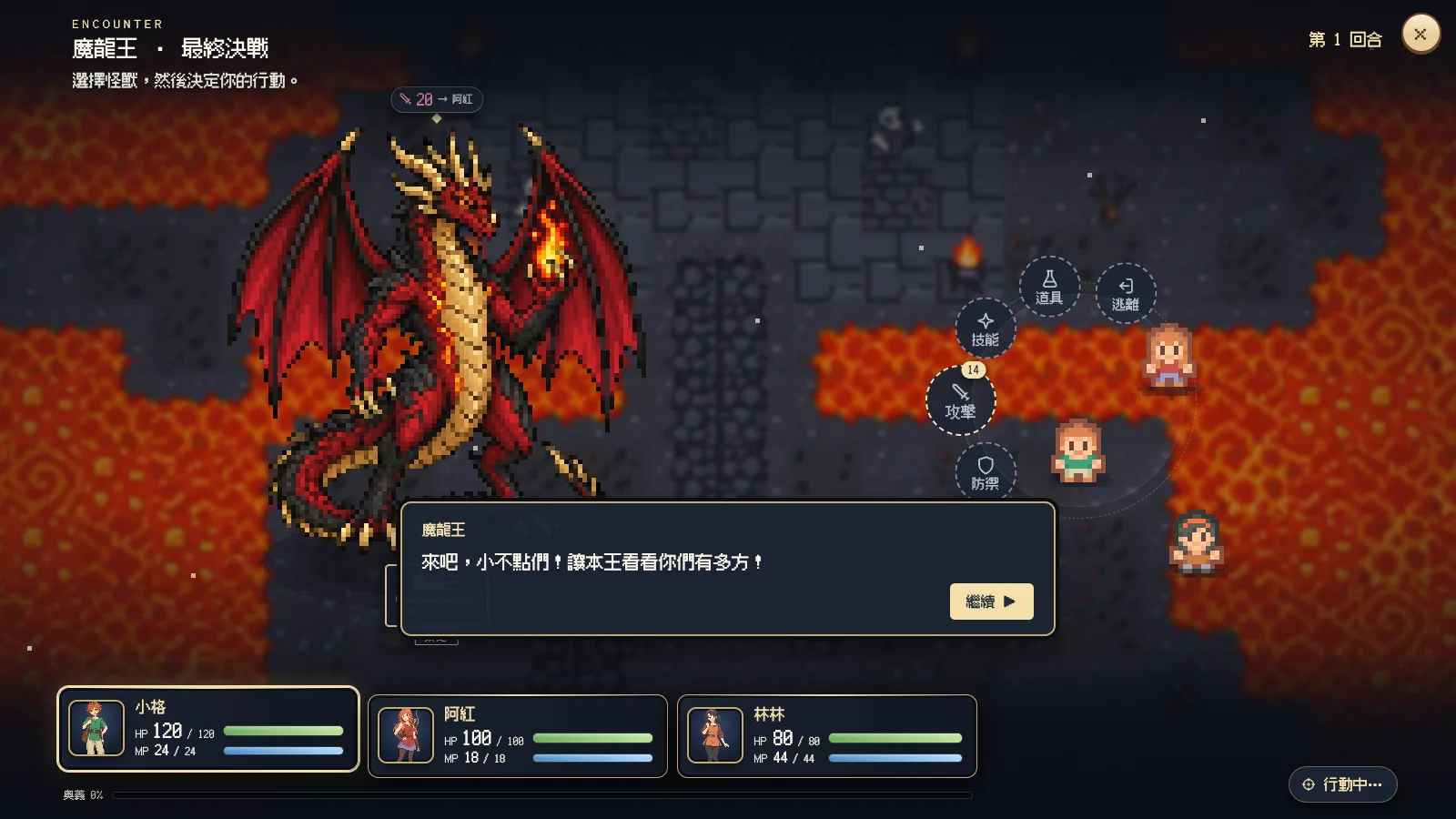
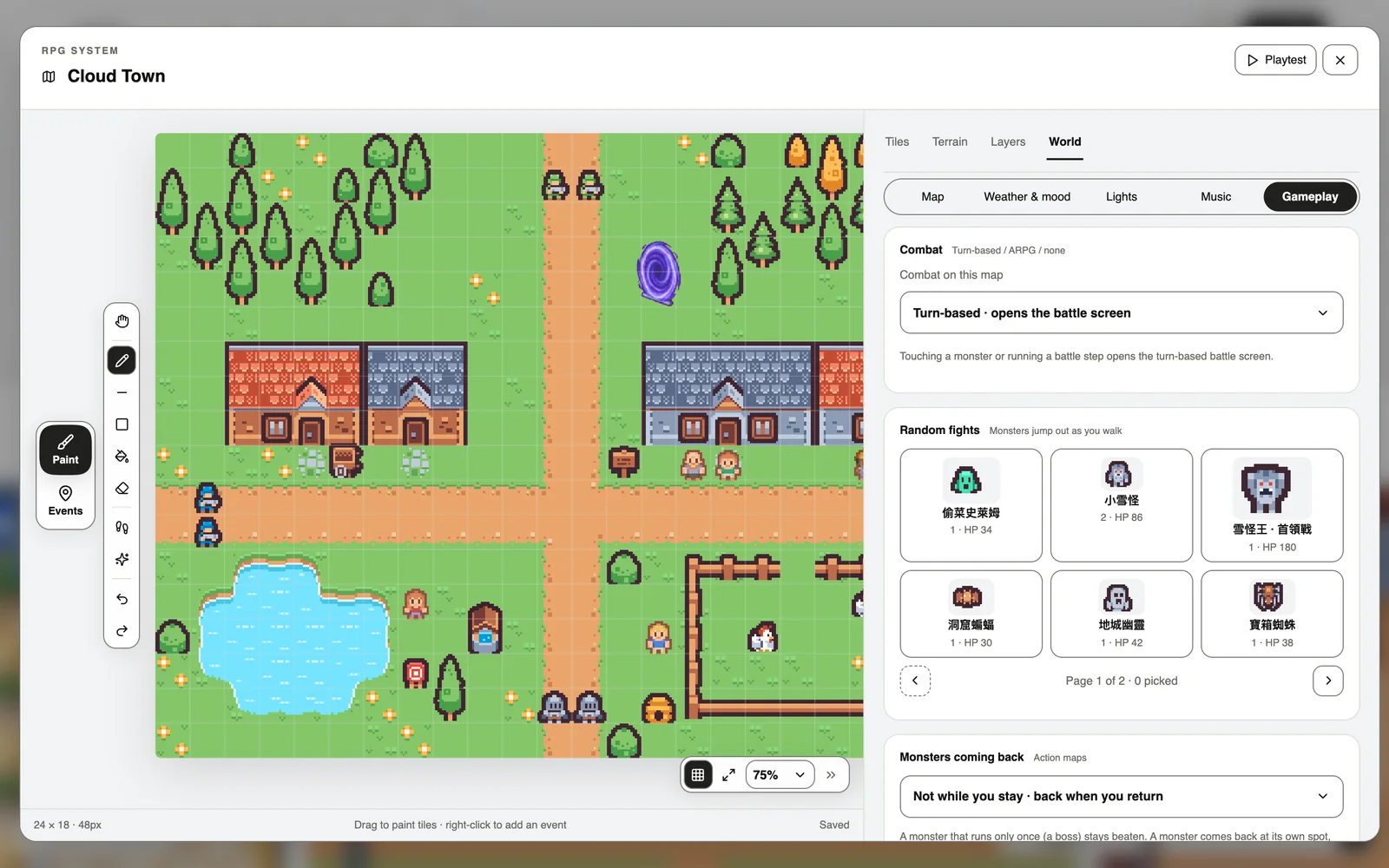
Prefer action? Switch the map to action combat (ARPG) under World → Gameplay and fight right on the map. Random encounters and returning monsters are set here too.
Quests and the map check
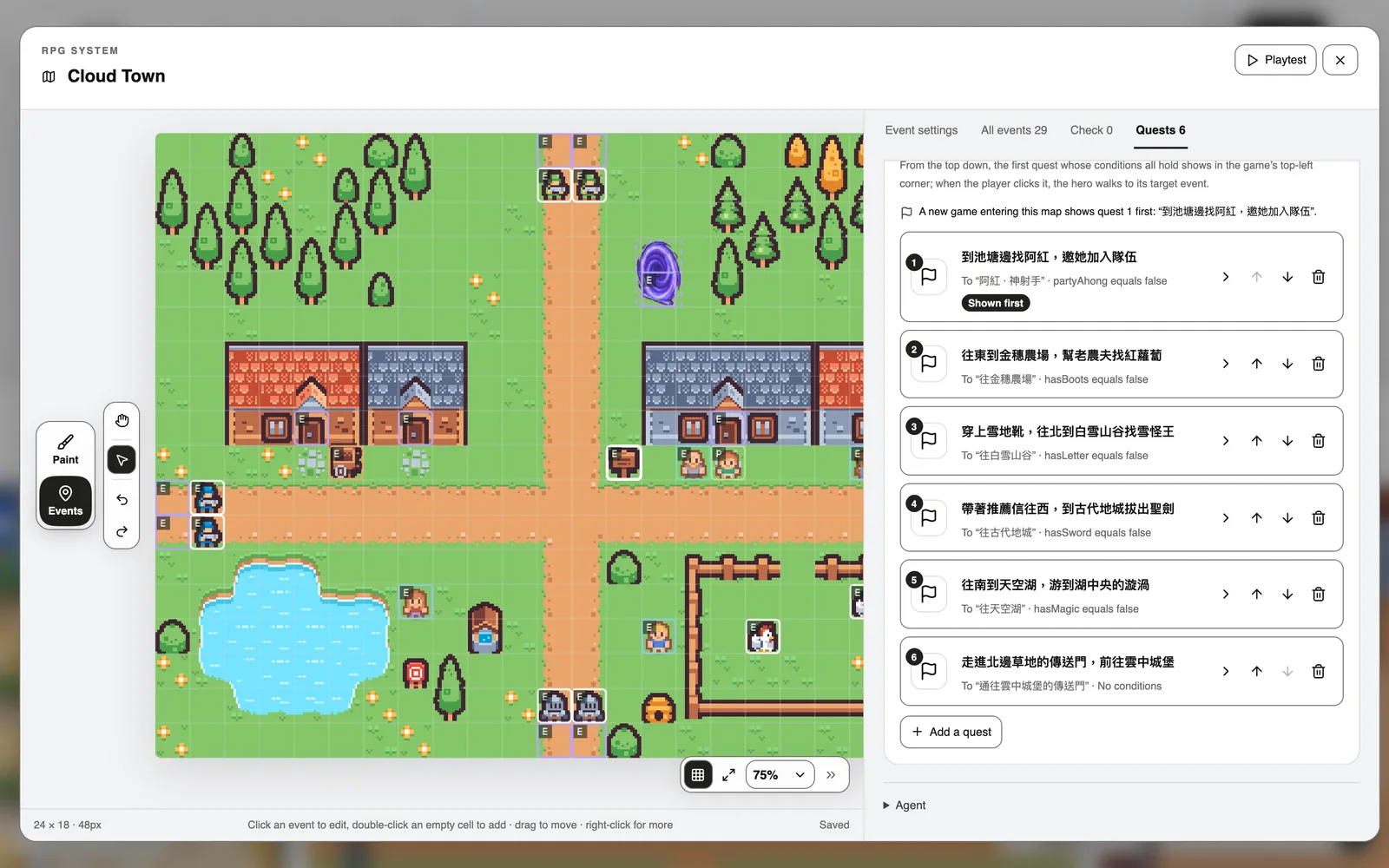
Quests tell players where to go next, in the top-left corner of the game. The Check tab finds broken card links and events nobody can reach.
Weather, lights and music
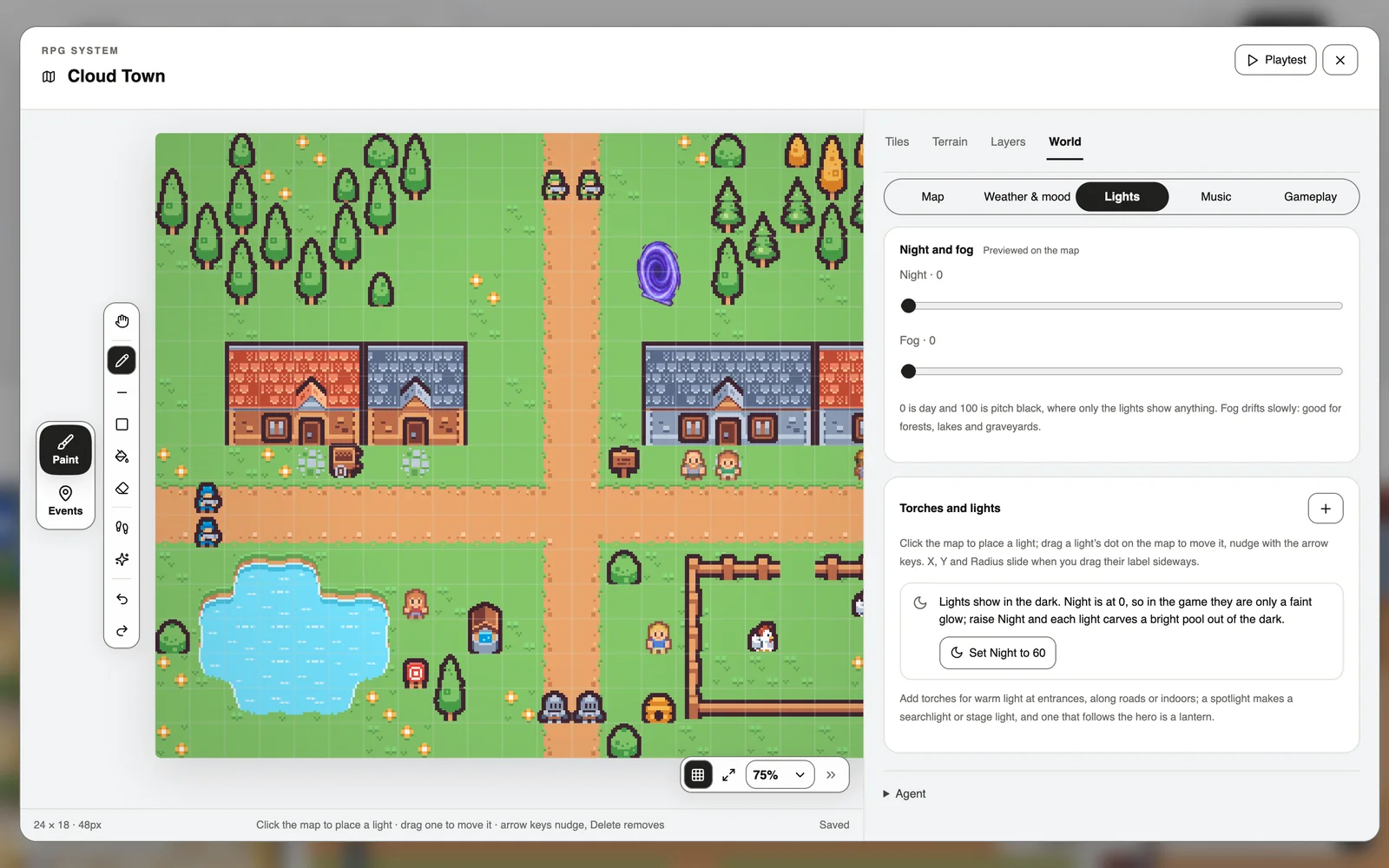
On the World tab: sun, rain, thunderstorms or snow; night, fog, torches and lamps; and the map’s background music.
Shops
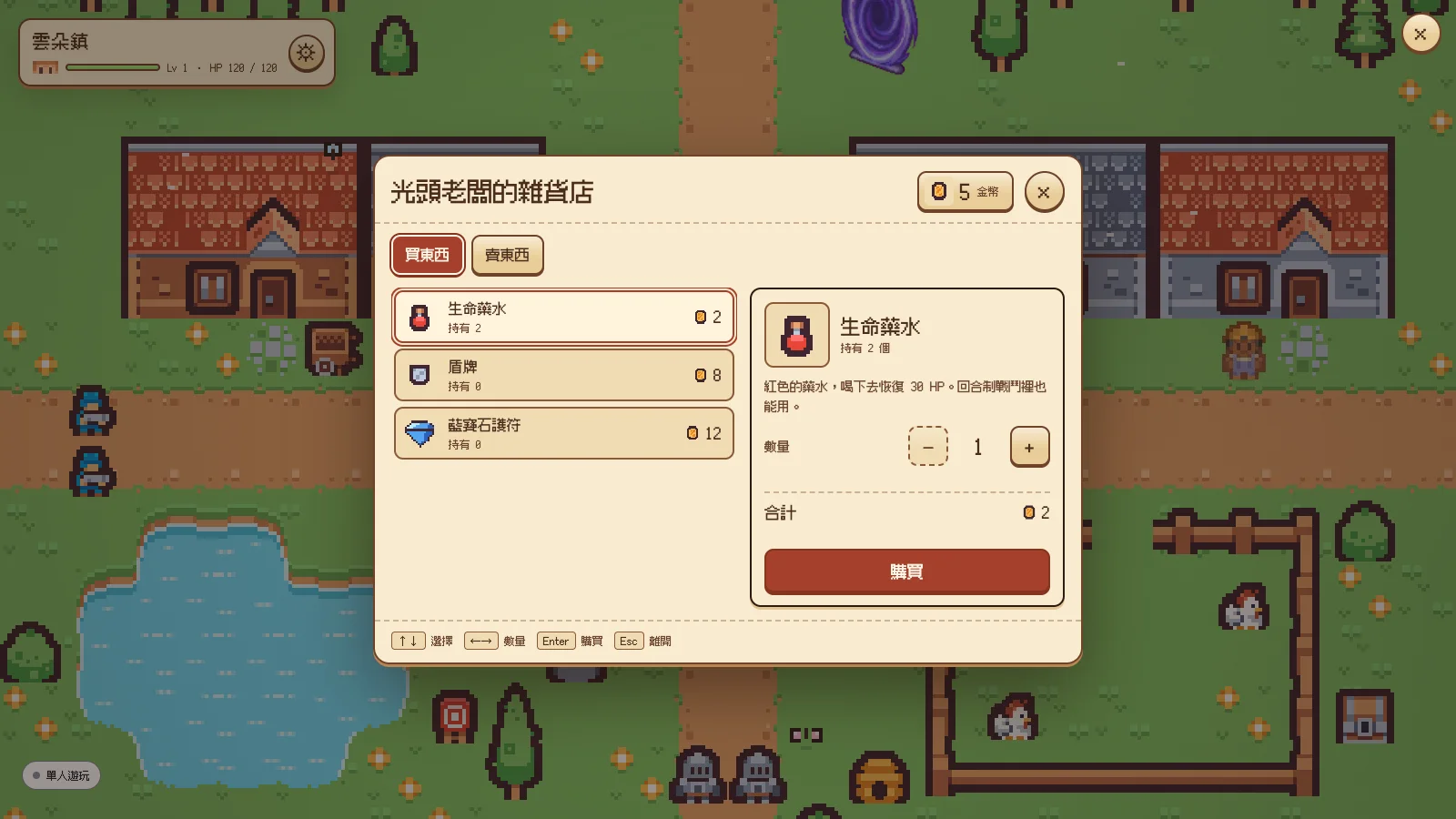
Add a “Shop” step to an event for a shop that keeps count of coins and items.
The RPG database
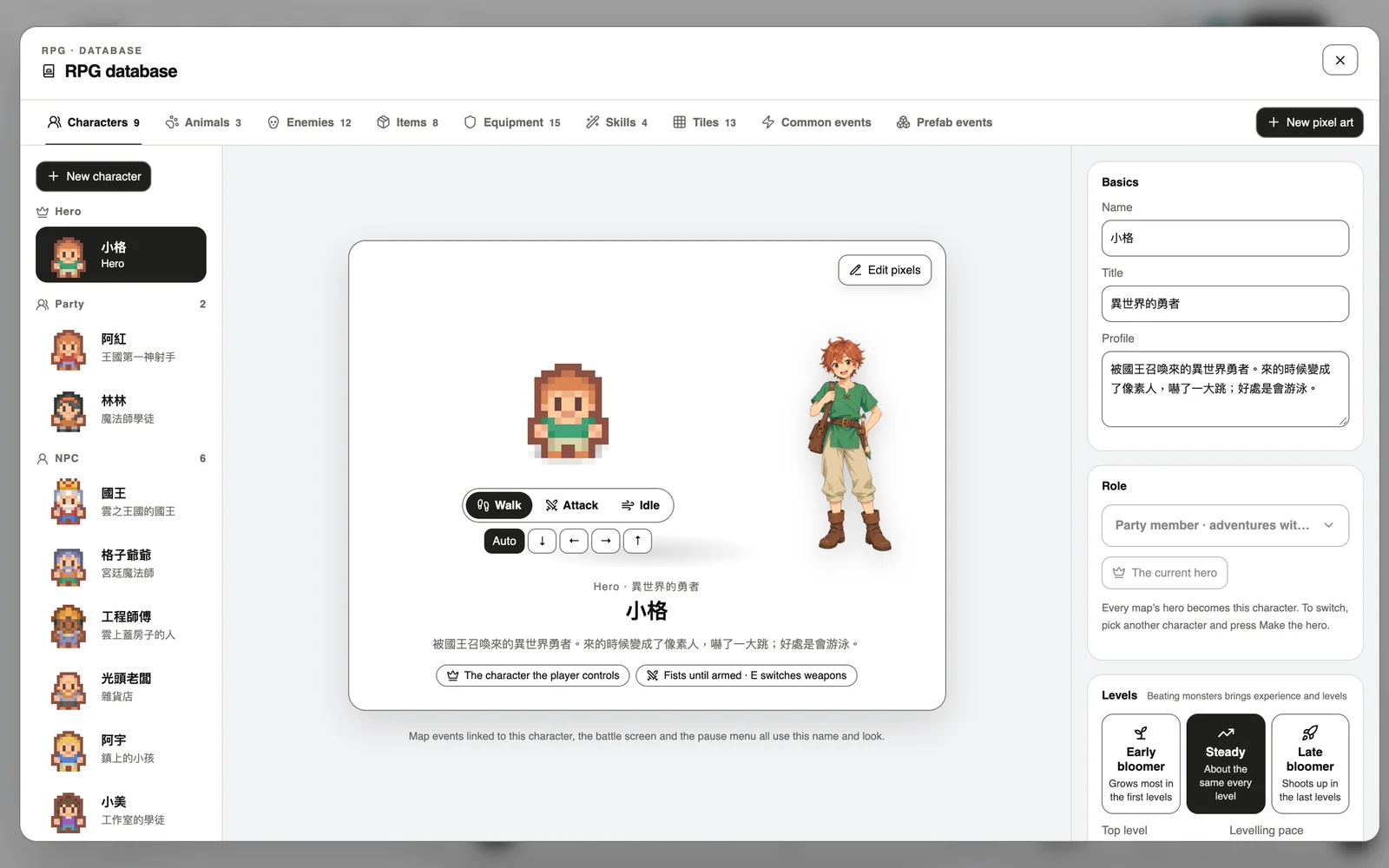
Press RPG database in the toolbar below the board. Characters, animals, enemies, items, equipment, skills, tiles and common events live here. Each can be made with AI, drawn by hand, or imported from a pack.
Multiplayer
Double-click the board → Plugins → Multiplayer, switch it on and apply. Players can walk around one world together, chat, add friends and team up for fights, or challenge a nearby player to a Duel (real HP and items are never touched).
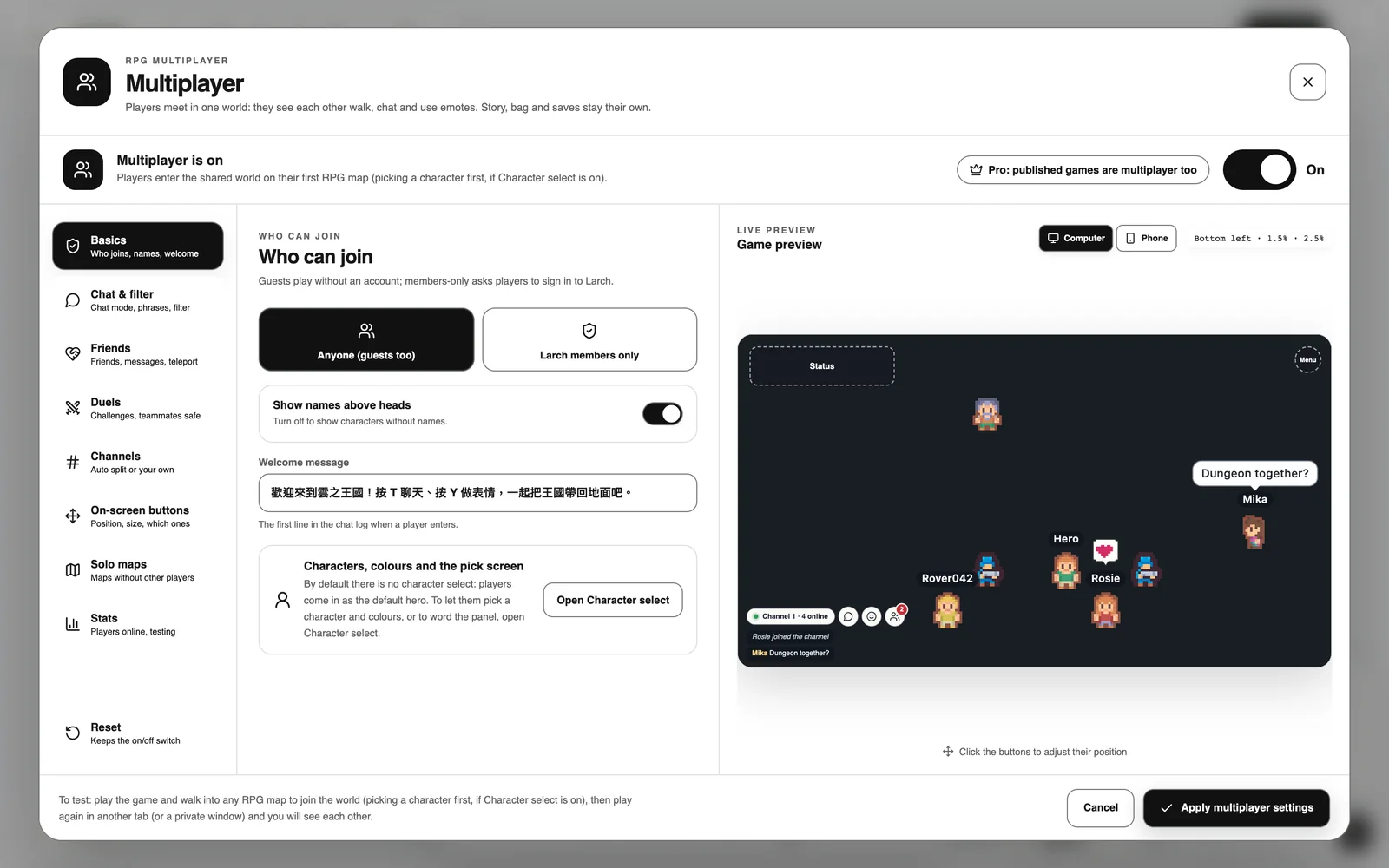
Testing is free (up to 5 players). For a published game, multiplayer needs the author to be on Pro. Exported single-file web and Windows versions are single-player.
Export
RPG games export as a single web file or a Windows EXE, with autosave built in. For other ways to ship, see “Publish, share and export”.