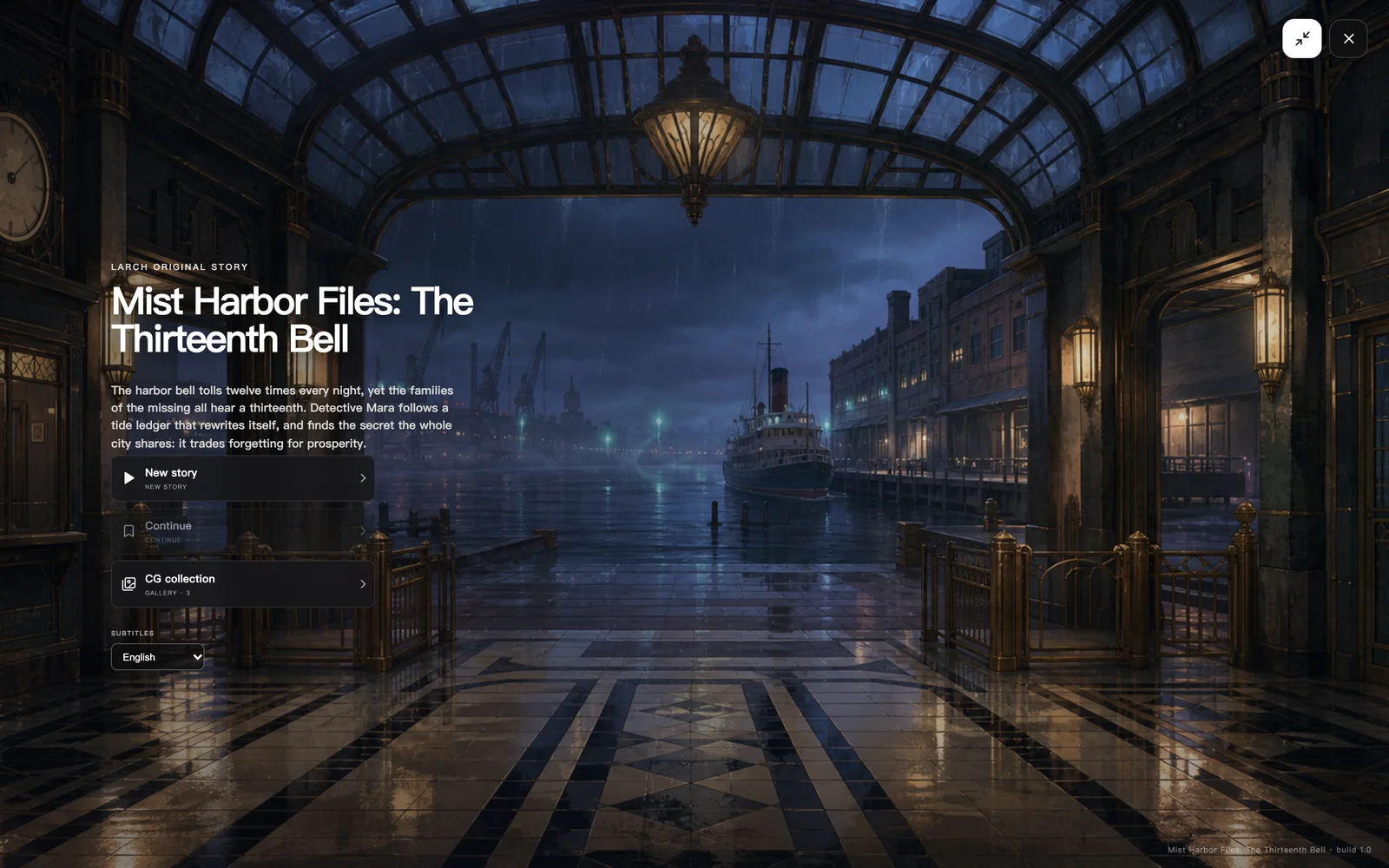
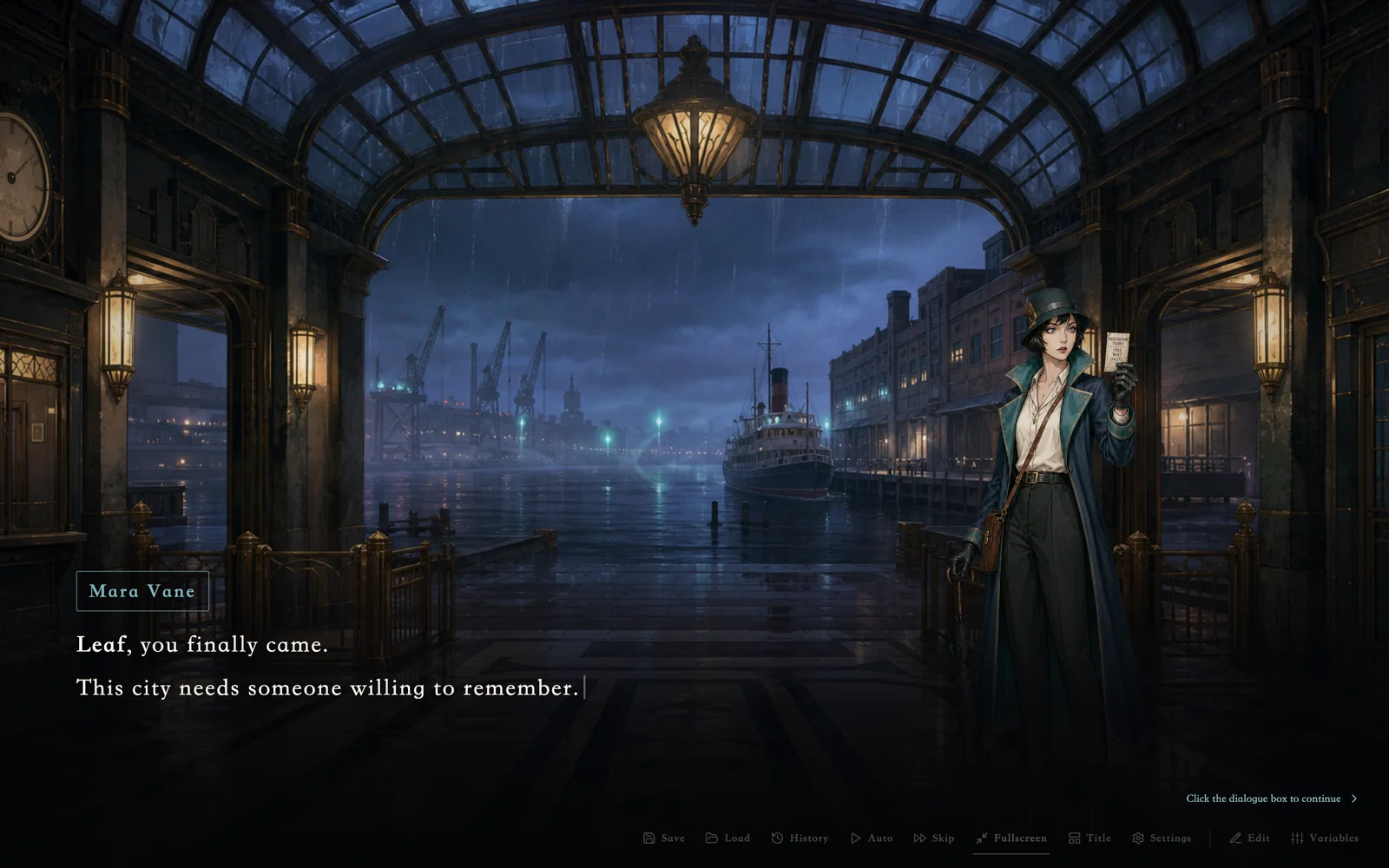
Getting started
Larch quick start: make your first game in 10 minutes
Create a project, write your first lines, add a choice and press Play. Follow along and you will have a playable game in ten minutes.
Larch quick start: make your first game in 10 minutes
Larch is a game maker that runs in your browser. Nothing to install, and no code to write. This guide takes you from zero to a short story you can play.
Want to follow along? Press Start guided tour above. Larch opens a new practice project and walks you through each click — your own projects stay untouched.
1. Create a project
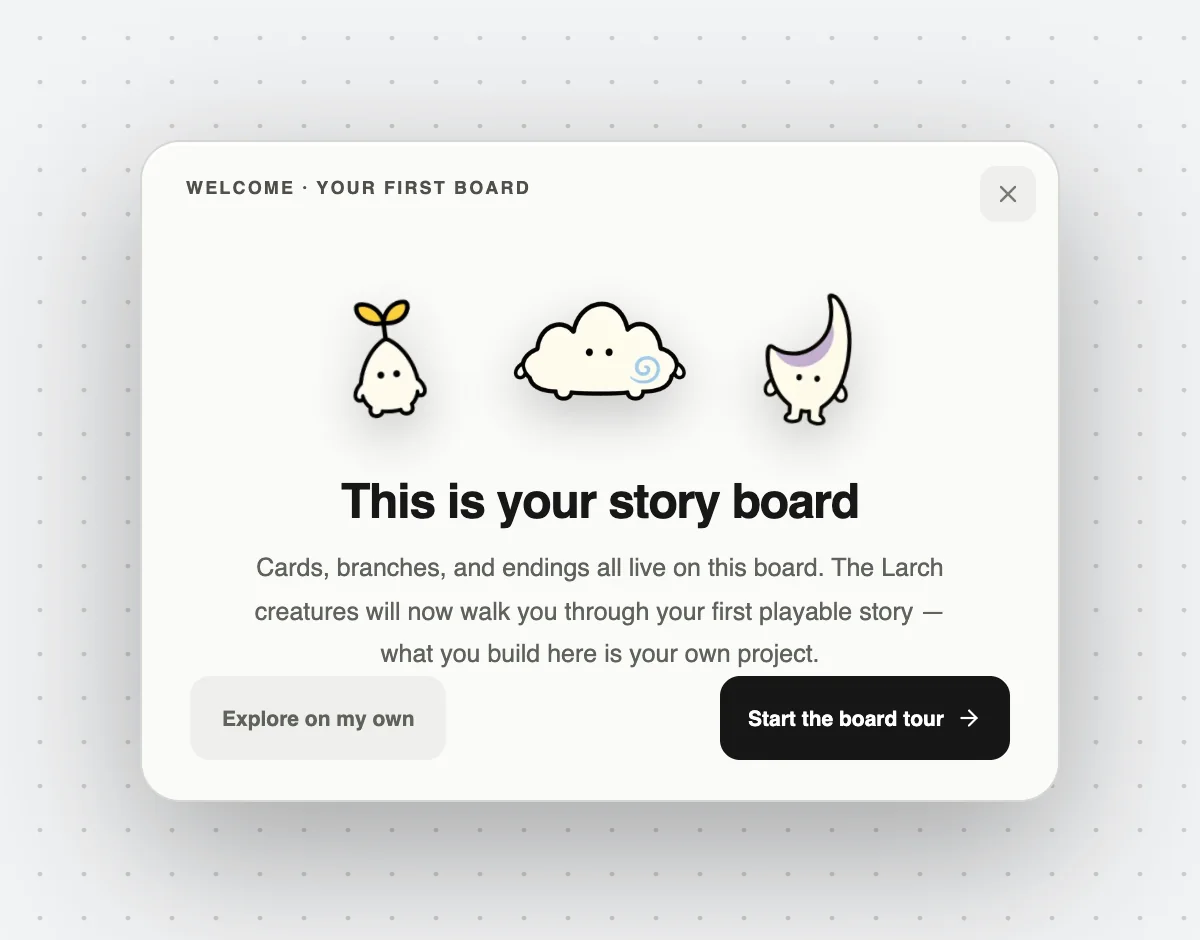
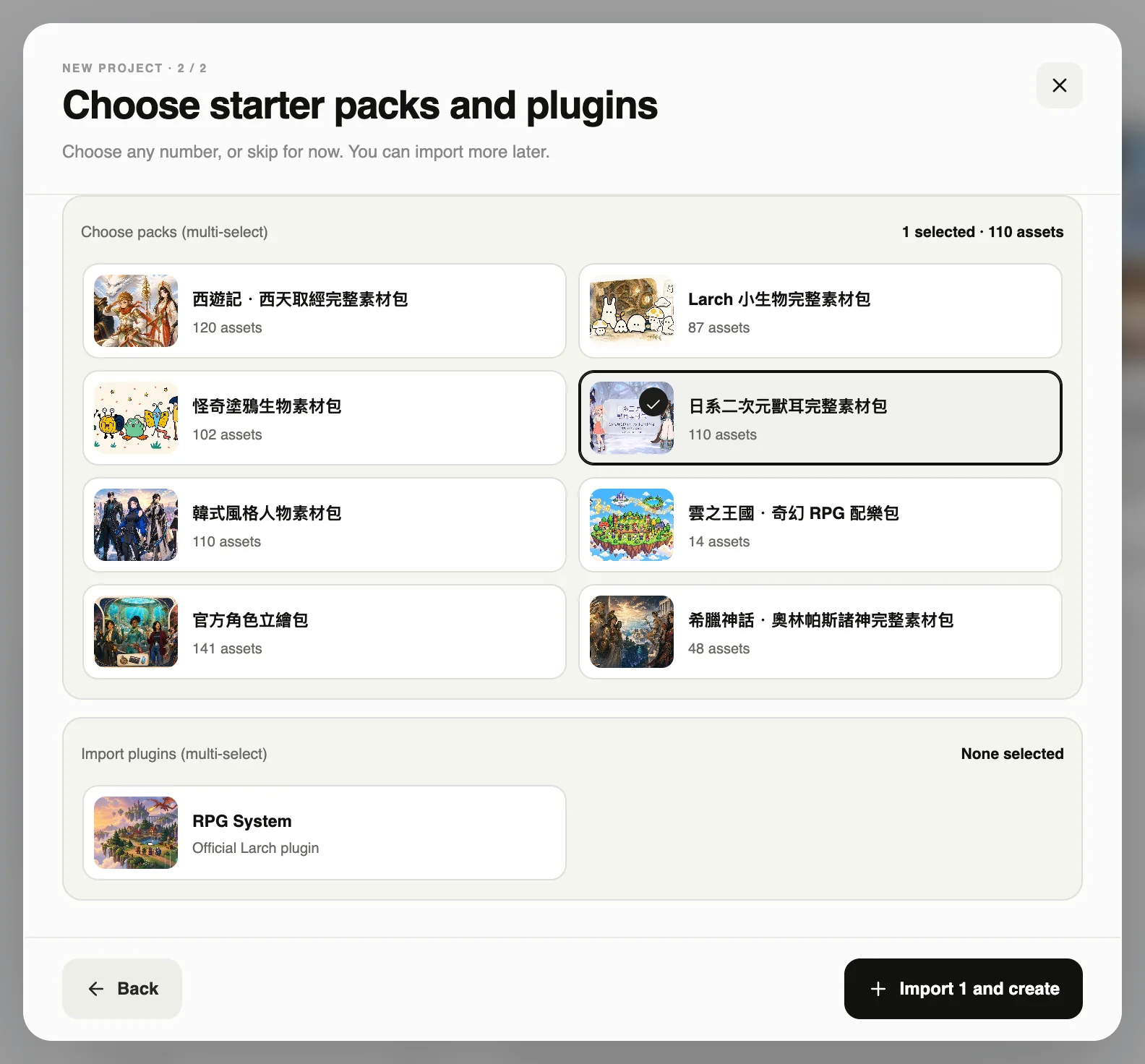
- On Projects, press New project in the top-right corner.
- Give your game a name and press Next.
- Tick a starter pack (characters, backgrounds and music included) and press Import 1 and create.
2. Meet the story board
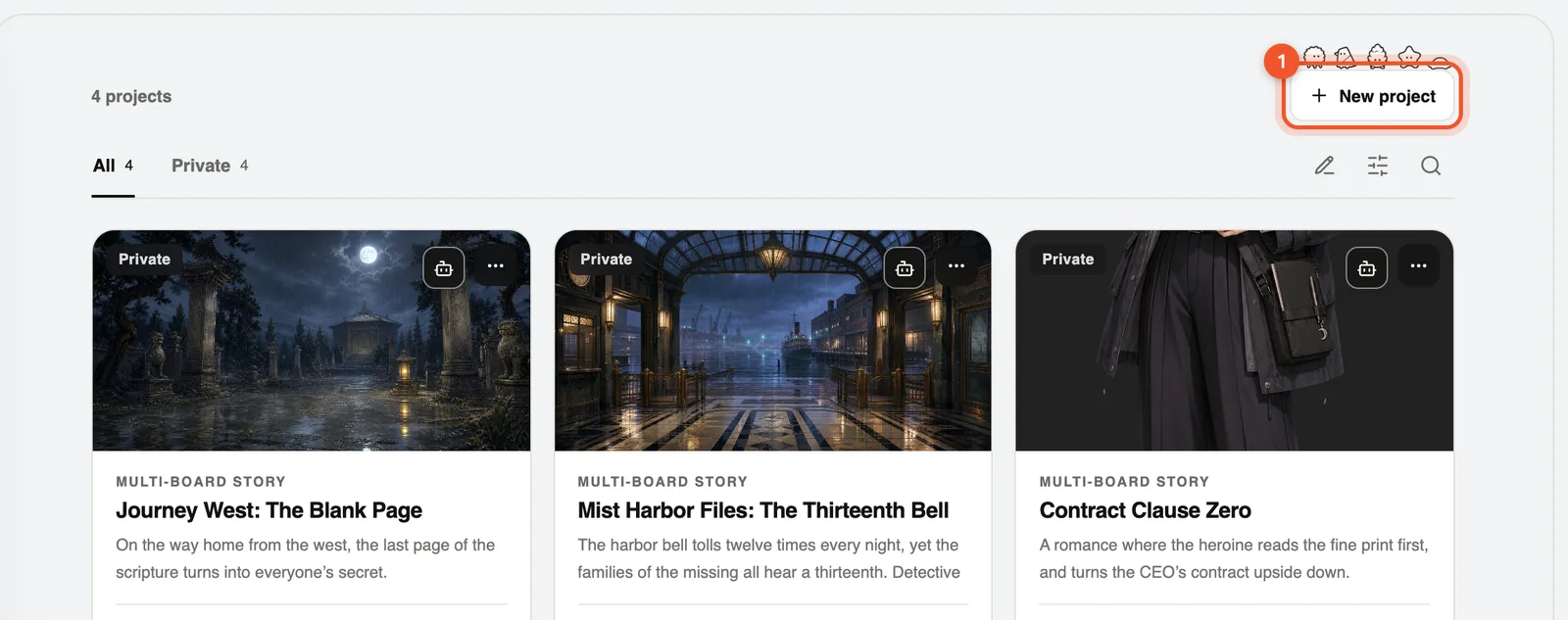
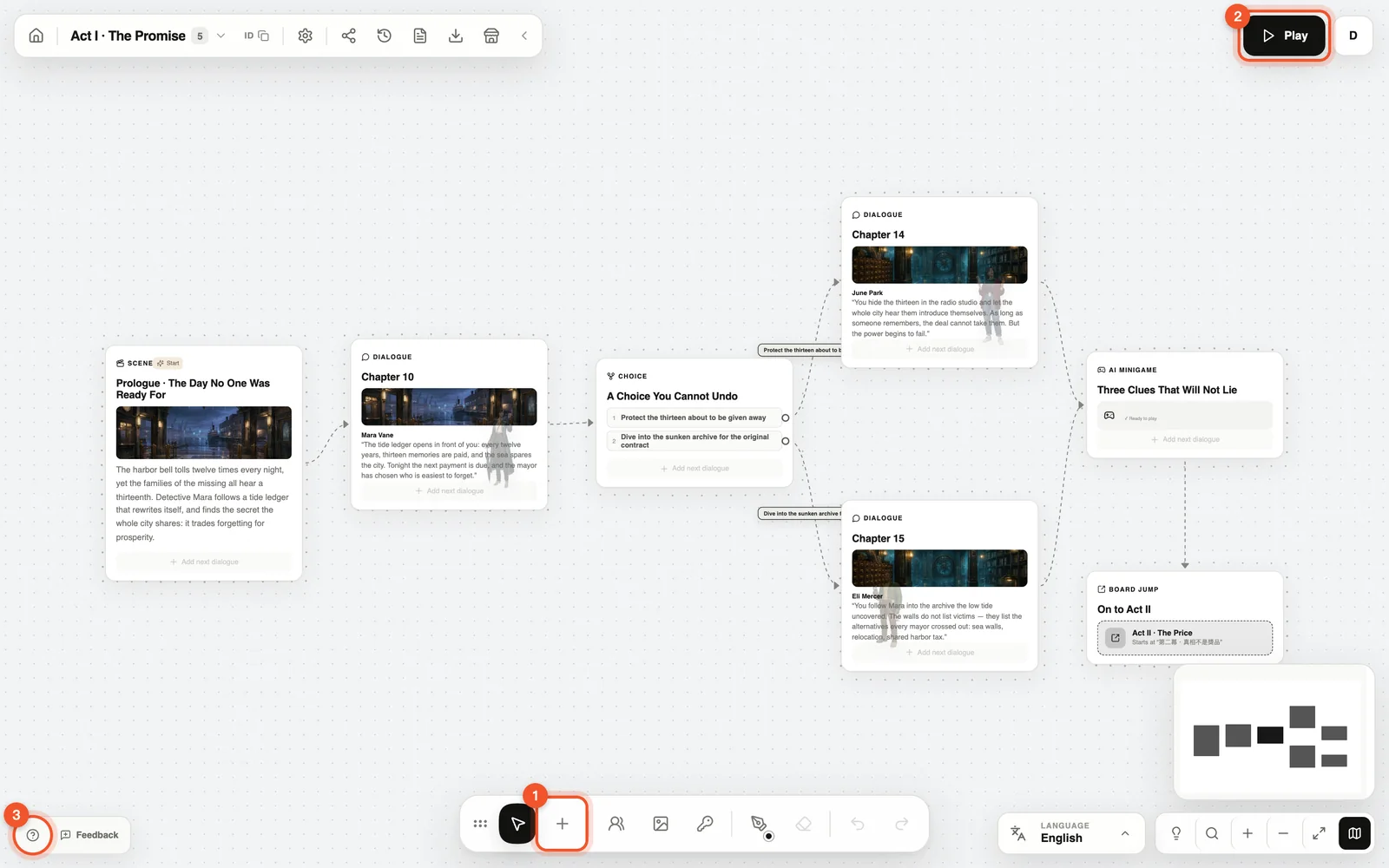
Every card on the board is one moment of your game. The lines between cards show where the story goes next. Forgot how something works? Press ? in the lower-left corner to run the tour again.
3. Write your first lines
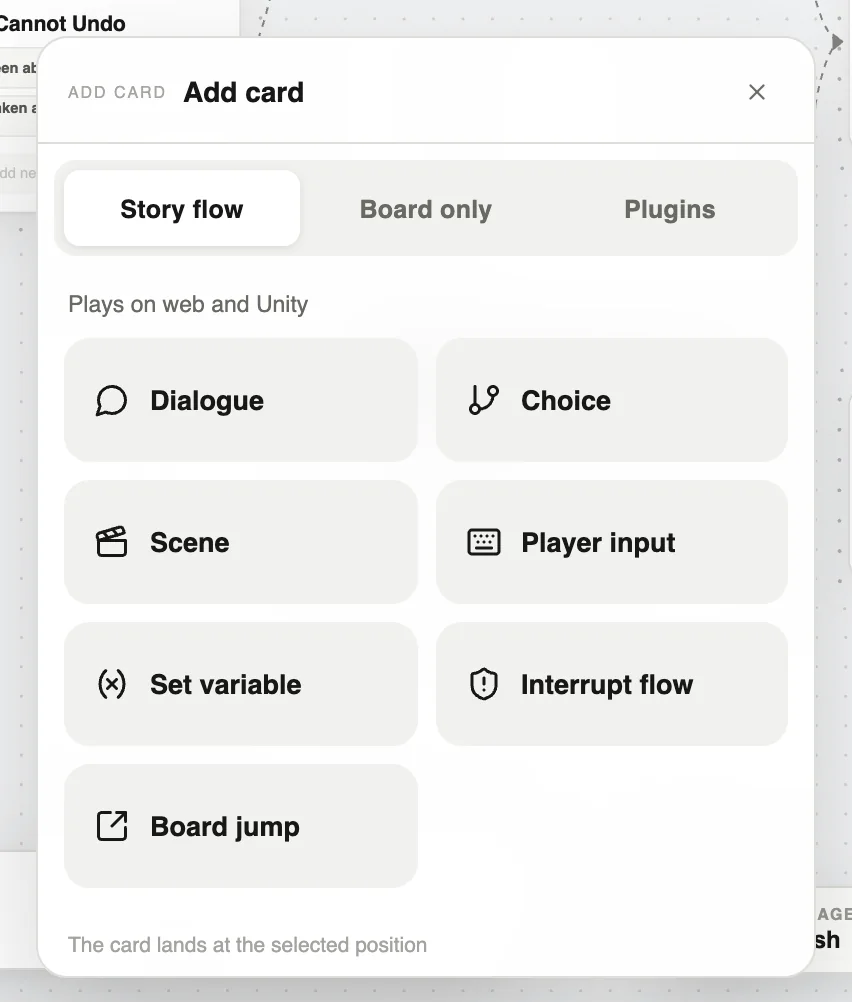
- Double-click an empty spot on the board and choose “Dialogue”.
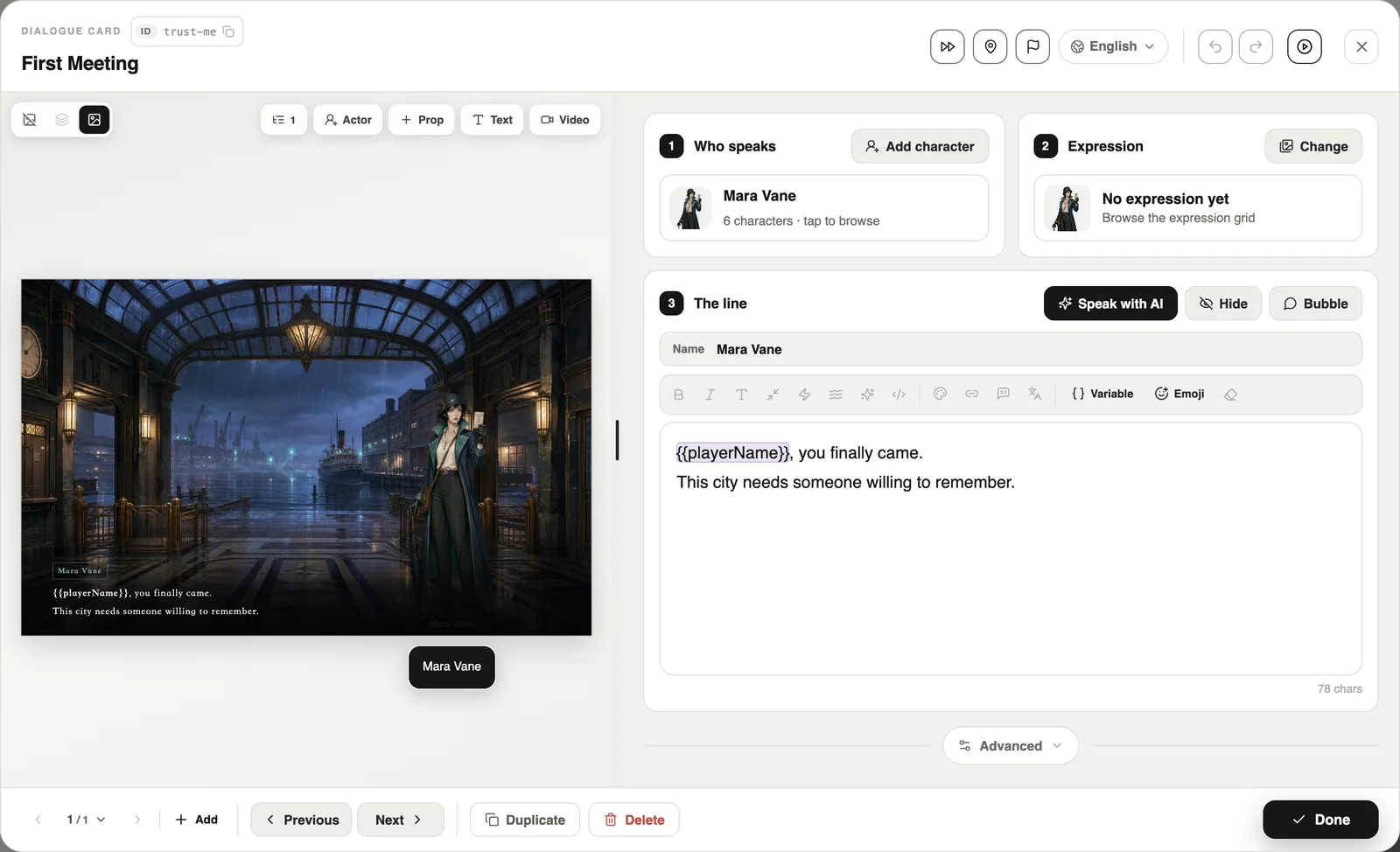
- Under “Who speaks”, pick a character, then an expression.
- Type the first line under “The line”.
4. Add a choice
- Add a “Choice” card and write two options.
- Drag a line from the dot beside each option to a different card.
- The two routes can meet again on a later card.
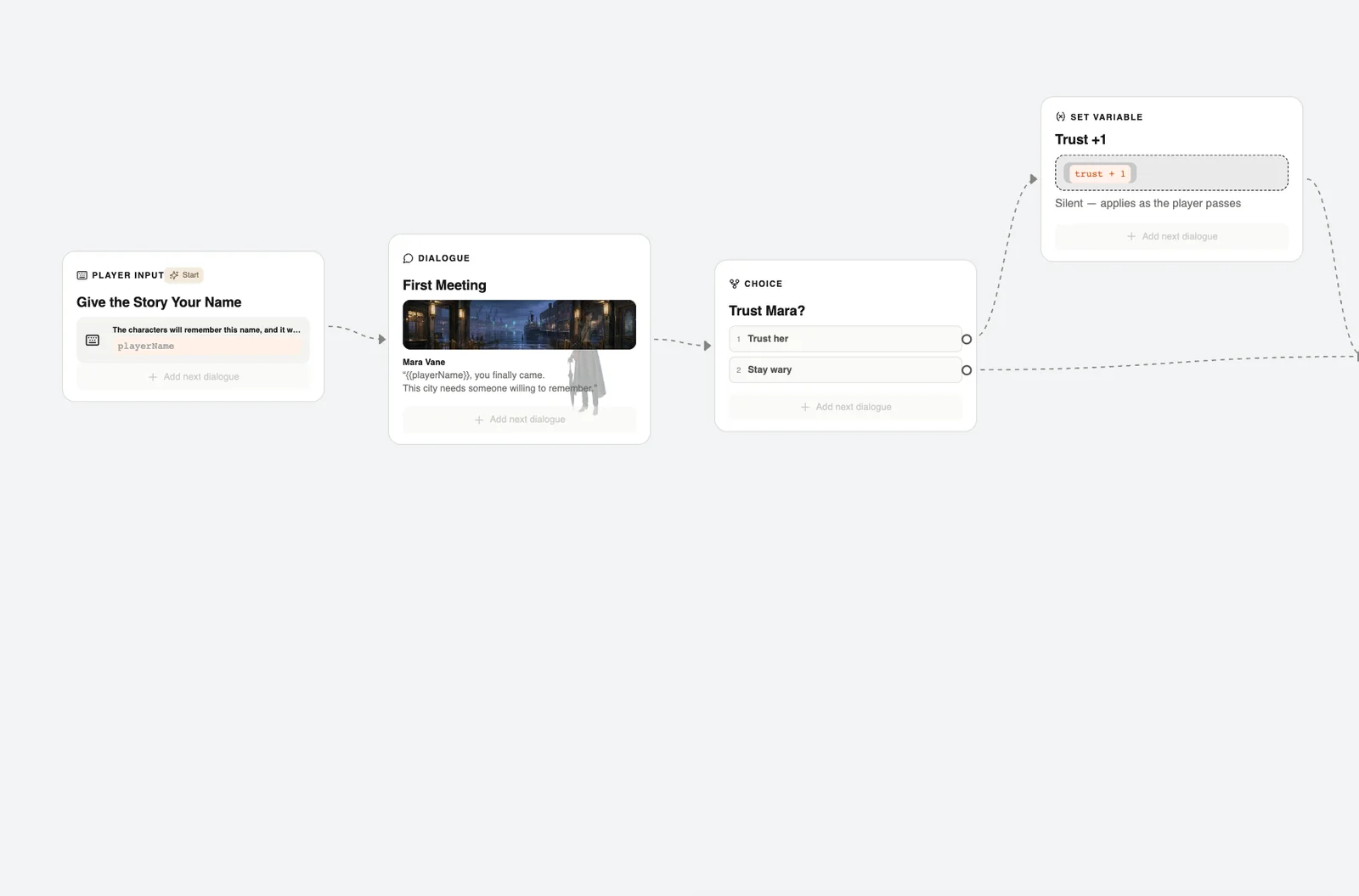
There is no “end card” in Larch. When a card has no line going out, the story ends there.
5. Press Play
Press Play in the top-right corner to play from the title screen. To check one card only, hover it and press ▶ in its corner.